

DRAFT • iOS • PARSONS CAPSTONE • May 2026
Draft: speak an idea, see three directions.
Built for the moment before the work starts.
Overview
Speak an idea. See three directions.
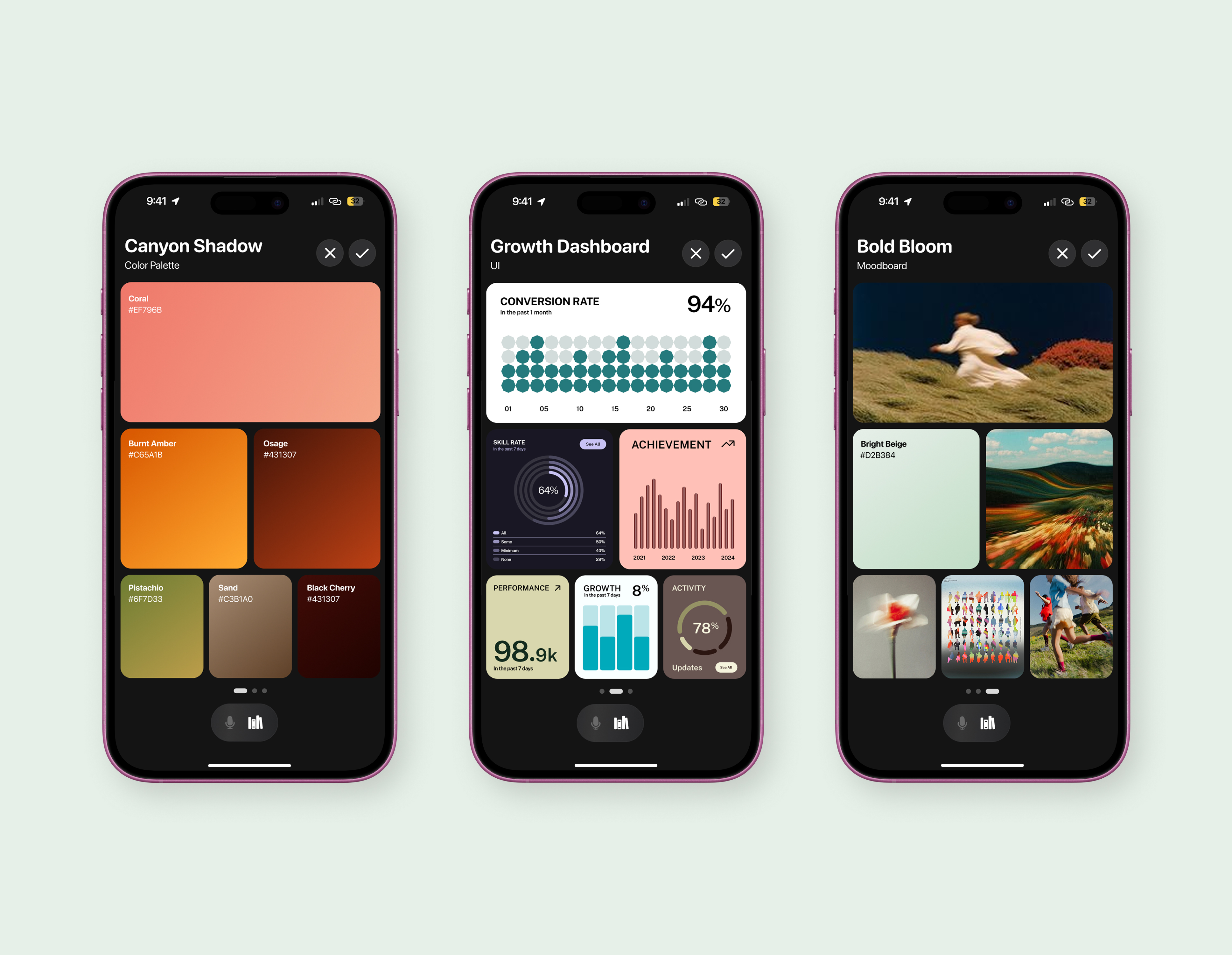
Draft is a native iOS app that turns a spoken idea into visual creative directions. You speak a prompt and it generates three directions across four output types: color palettes, UI layouts, image collections, and moodboards.
Built for the moment between having an idea and sitting down to start. Not at your desk, not with your laptop open, but on your phone when the thought is still there.
The Problem
The Tools That Exist Are Not Built for This Moment
I'm dyslexic, and I have always thought in images before words. Growing up, voice tools were how I learned: computers that read to me, and Dragon Dictation all through high school. When a creative direction comes to me, I need to get it out and see it immediately, wherever I am.
The tools that exist right now are not built for that. Replit and Lovable are too technical and too restrictive. You have to write out exactly what you want and you end up stuck iterating inside them. Draft is intentionally a first pass. It is not meant to be continued inside the app. None of the existing tools are built that way.
There was also a more practical problem. When you are working with developers across time zones and need to communicate a creative direction quickly, there is no fast way to send something visual. A voice memo is just more words. A Pinterest screenshot needs explaining. I needed to speak a direction and hand someone something they could actually look at.
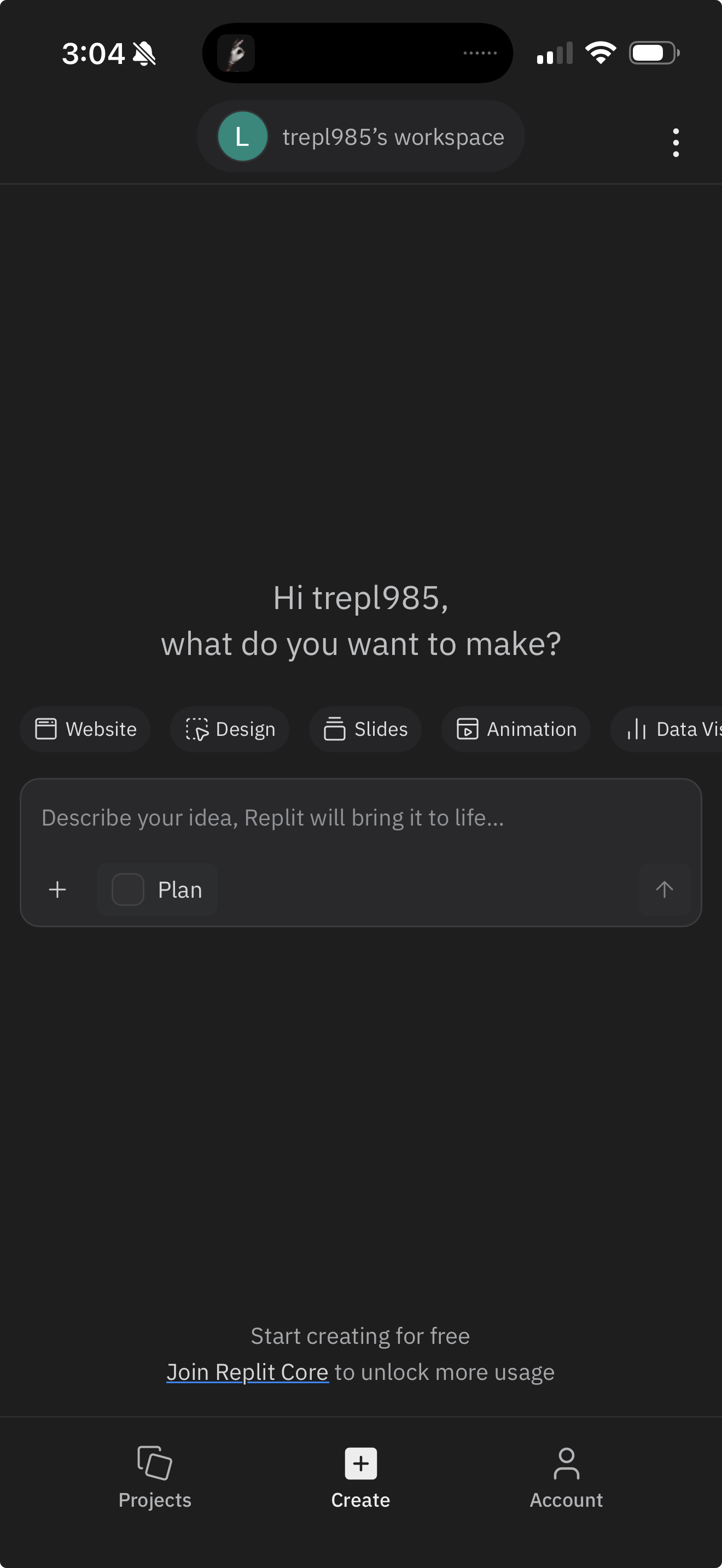
Replit
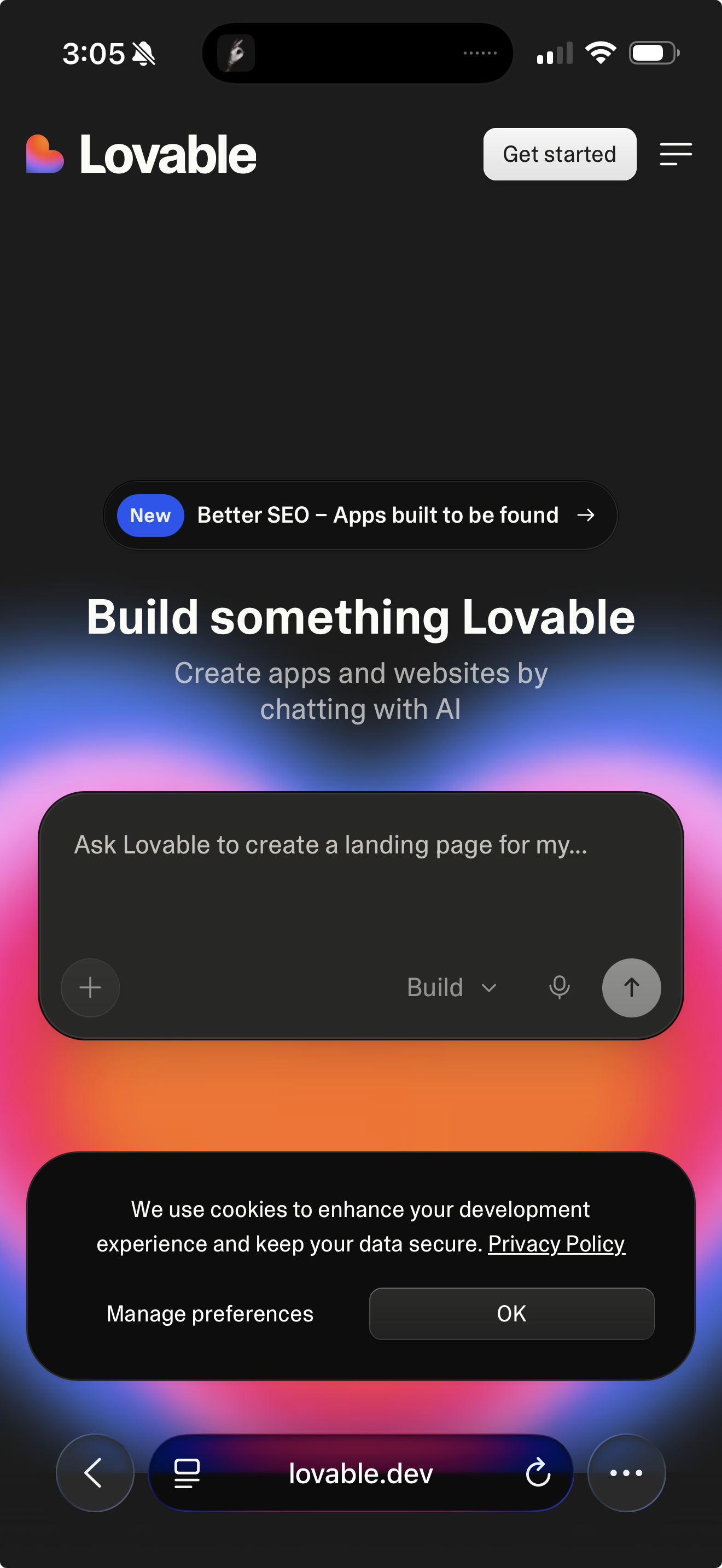
Lovable
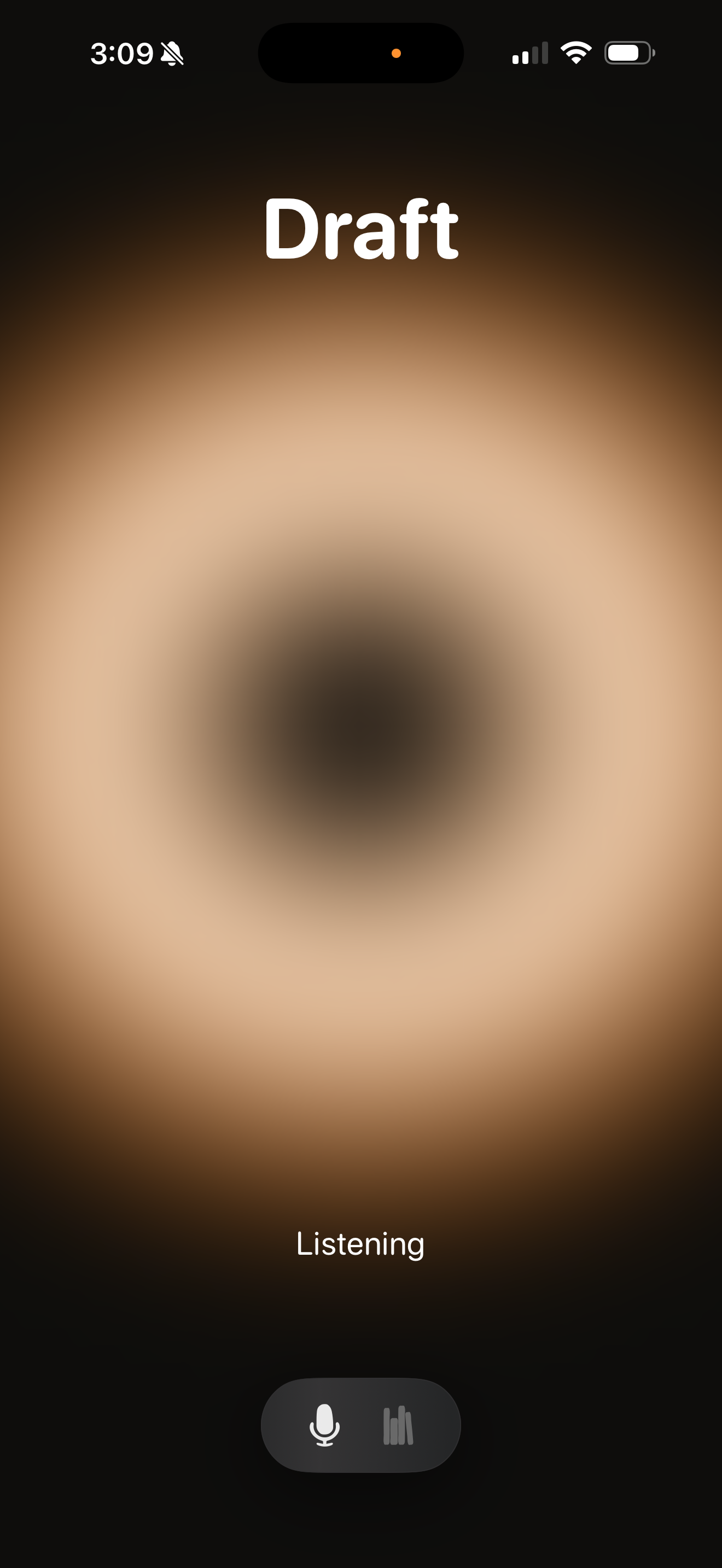
Draft Voice
Research Insights
Every Tool in This Category Makes the Same Assumption
I audited the major AI creative tools, Replit, Lovable, and other AI builders, and looked at two things: how they take input and what they give back.
The pattern was the same across all of them. Input is text, usually detailed and technical. Output is code. The whole thing assumes you already know what you want precisely enough to write it down, and that what you want at the end is something buildable.
Three things kept coming up:
Defining the Opportunity
The Thing That Comes Before the Work
Draft was never meant to replace the tools designers use for finished work. It is the thing that comes before. The first draft of a direction, captured before it disappears, is visual enough to be useful.
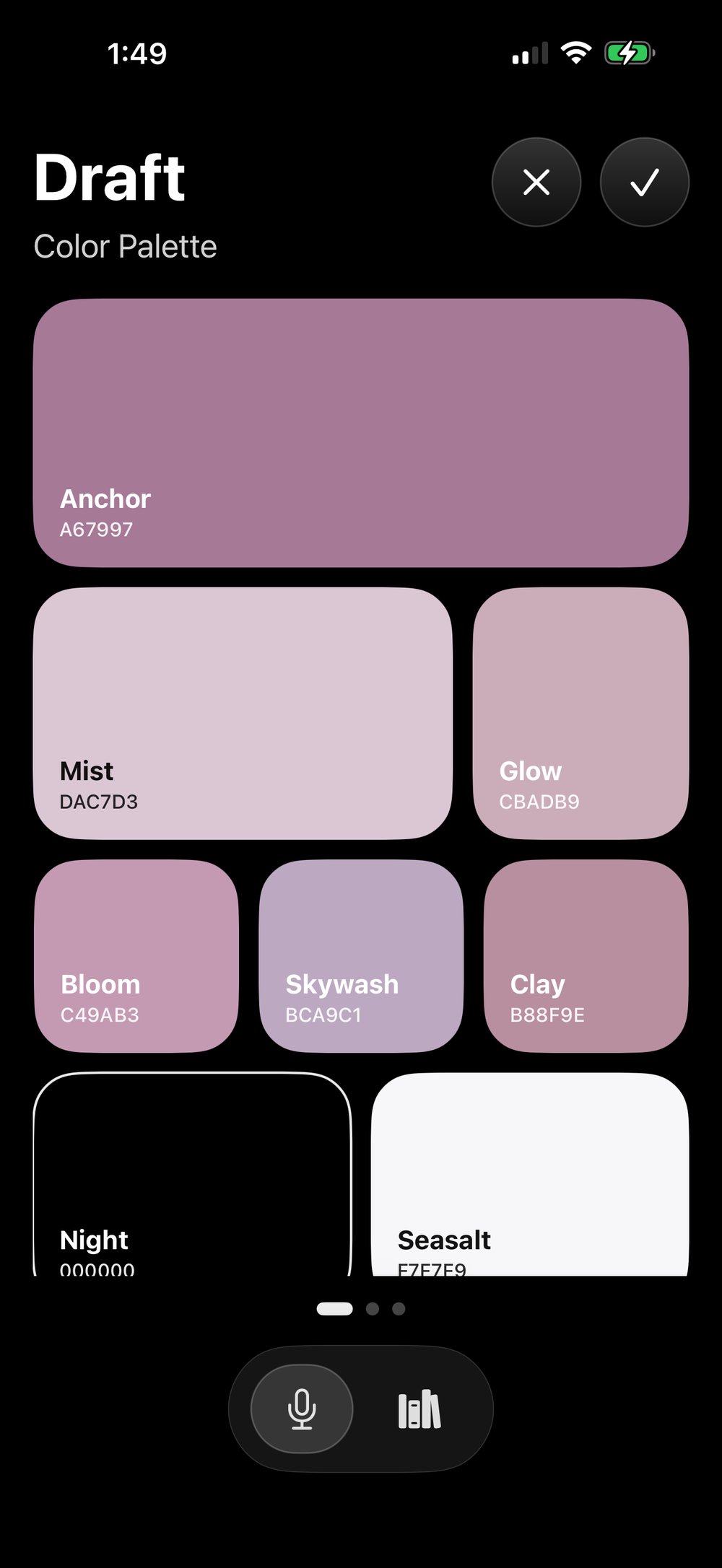
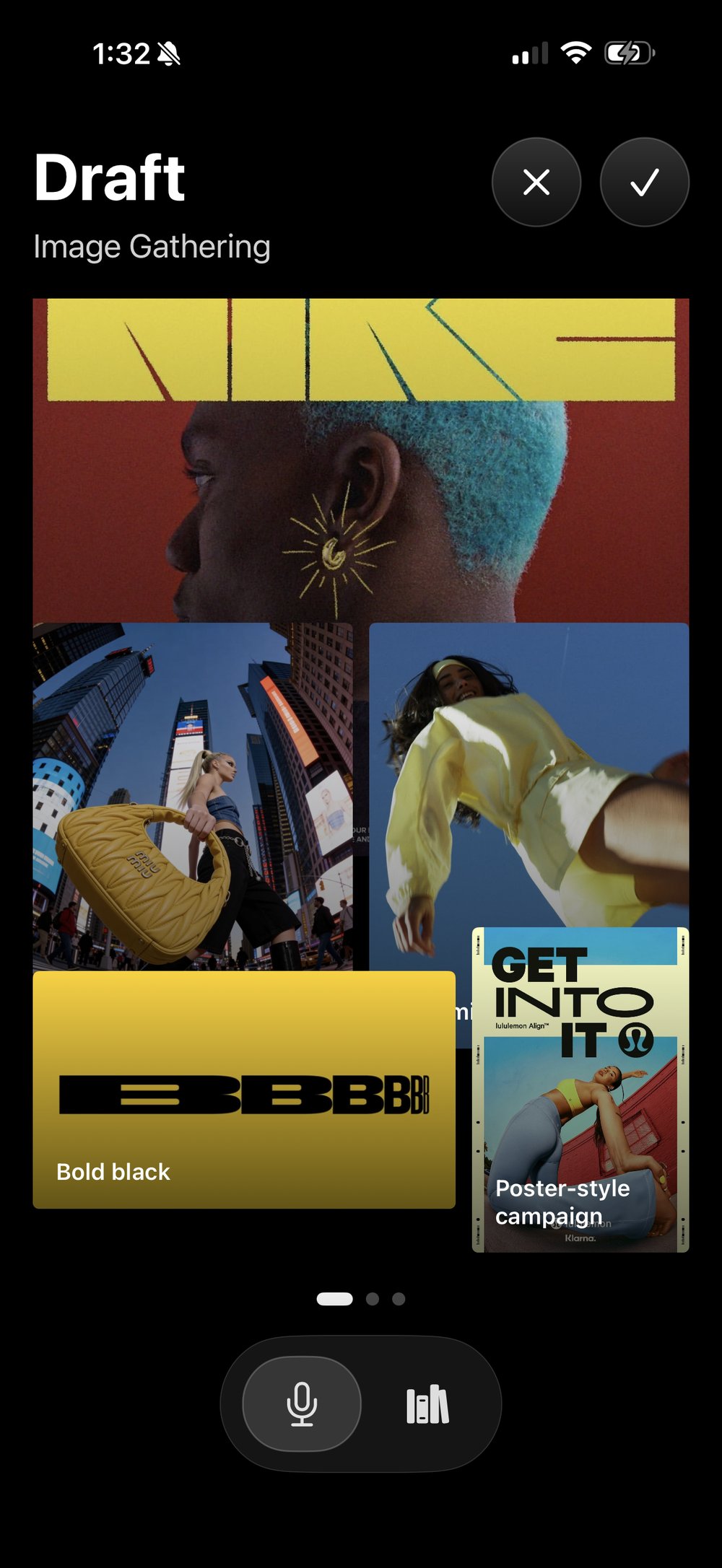
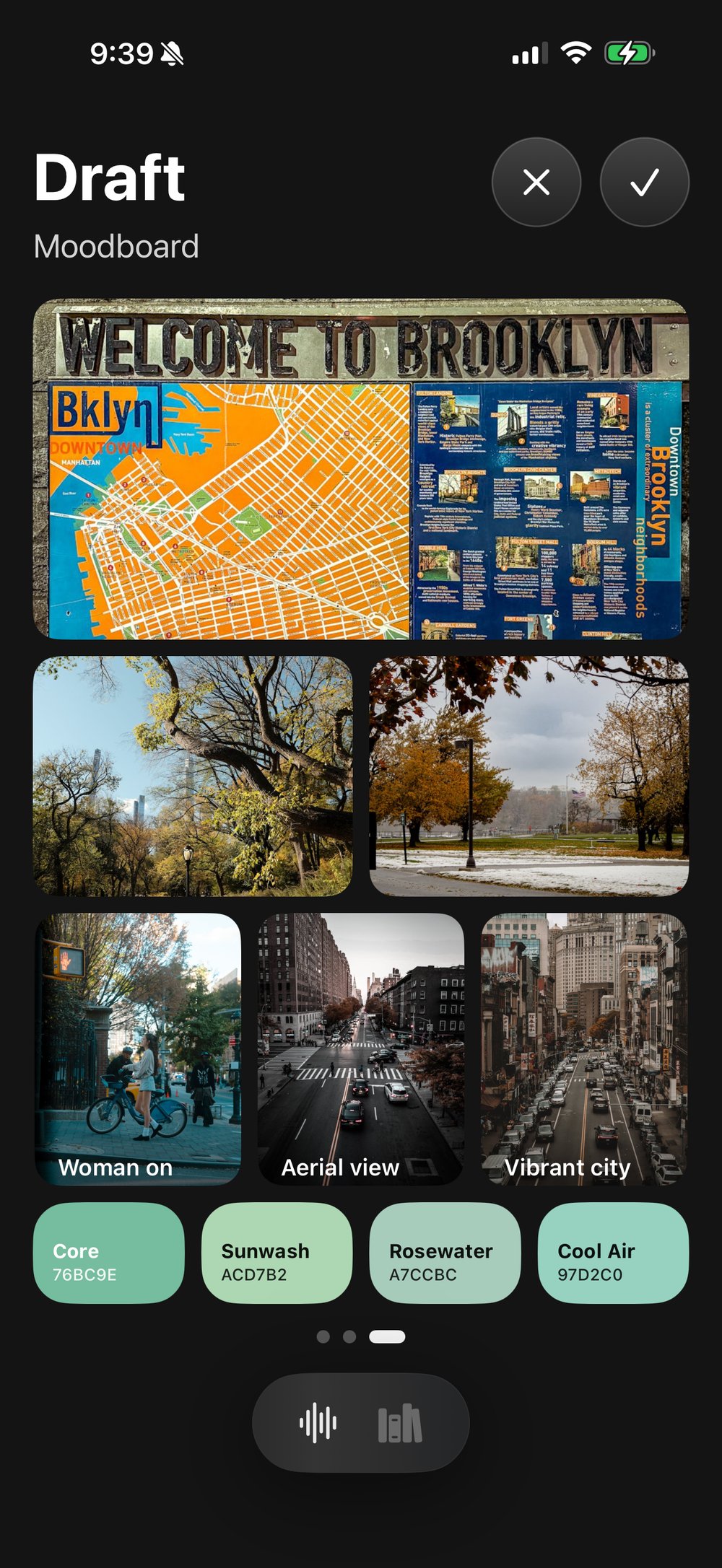
I scoped it around four artifact types that map to the earliest stage of creative thinking: color, UI, imagery, and moodboard. Three directions per prompt was a deliberate constraint. Enough range to react to, not so many that choosing becomes its own problem.
The bar I kept coming back to: whatever Draft produces should be something a designer would screenshot and drop into a Slack message. Not hand off to an engineer. Not present in a meeting. Just send, so a conversation can start.
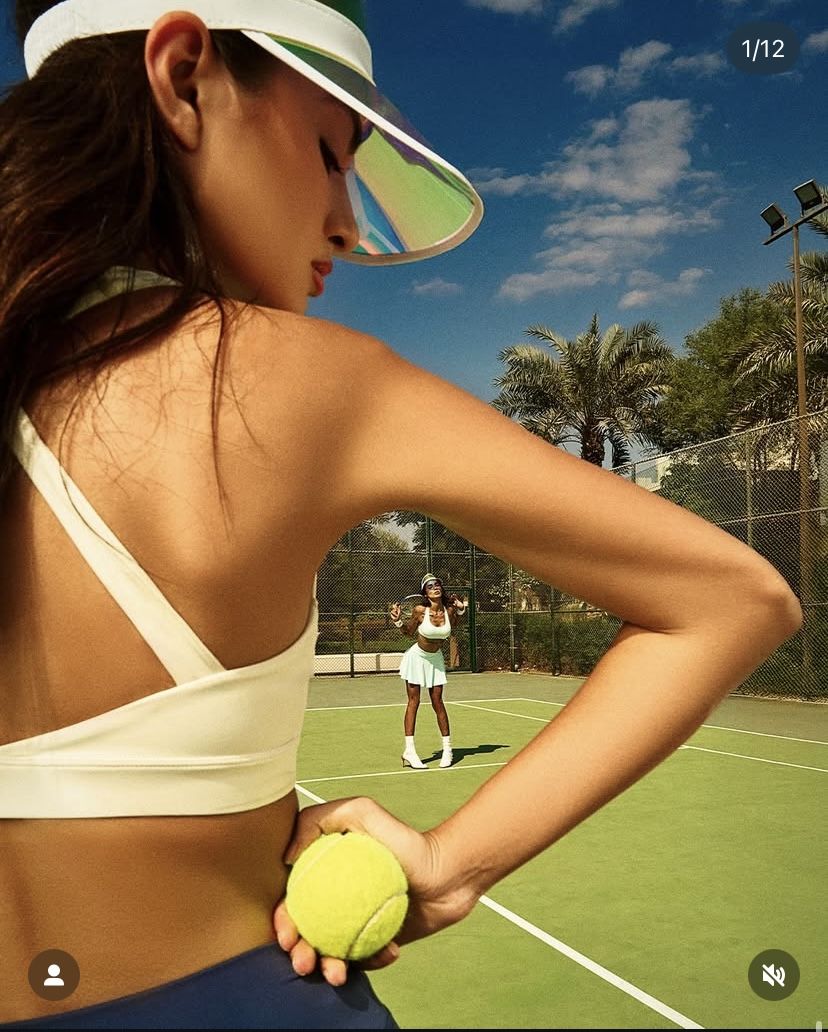





Design Exploration
Finding the Right Output, Then the Right Build
Draft didn't start as a moodboard tool. My first MVP took a text or voice description of a UI component and generated live, copy-ready code. I built several versions, but code output for a web app never gave me the seamless feeling or interaction I wanted.
Early explorations
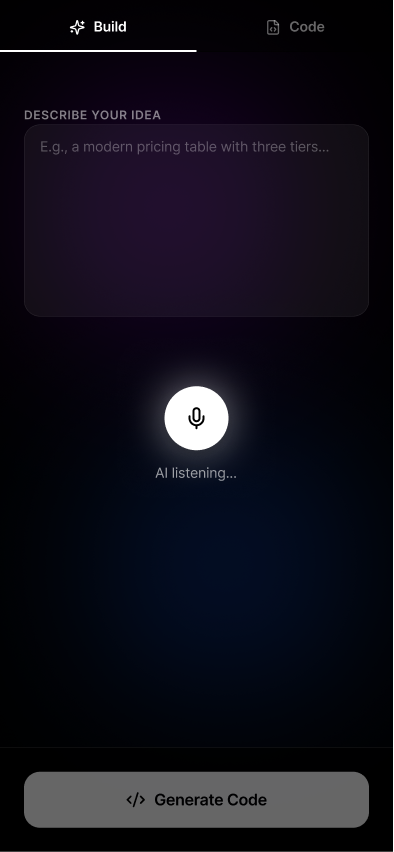
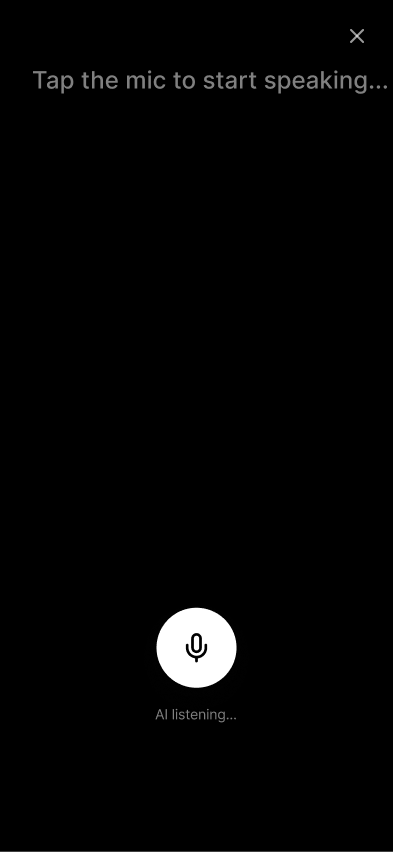
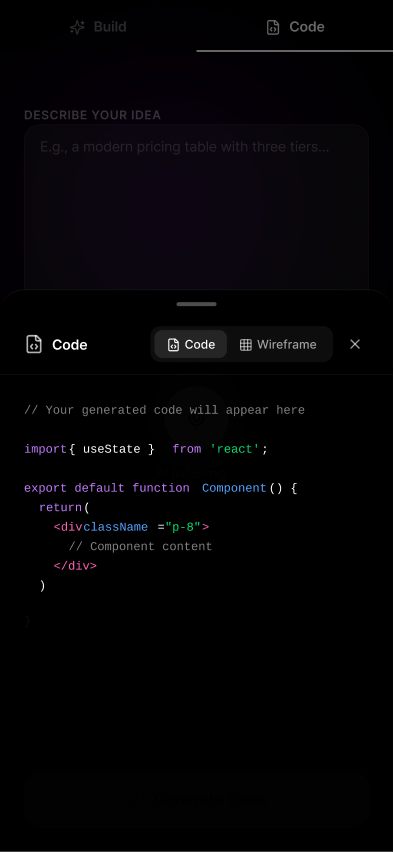
Switching to Swift was a design decision as much as a technical one. Native iOS rendering changed how the whole app felt to hold and actually use. The difference between the two builds is visible immediately when you put them next to each other.
Test & Iterate
Build, Look at It, Ask If It Feels Right
My testing was hands on: build, look at it, and ask whether it felt like the product I set out to make. The real test came at the capstone showcase, where people understood Draft as dictation right away with no explanation. It also opened up conversations about building in Swift, how limiting voice software can be, and how far dictation has come since the early 2000s.
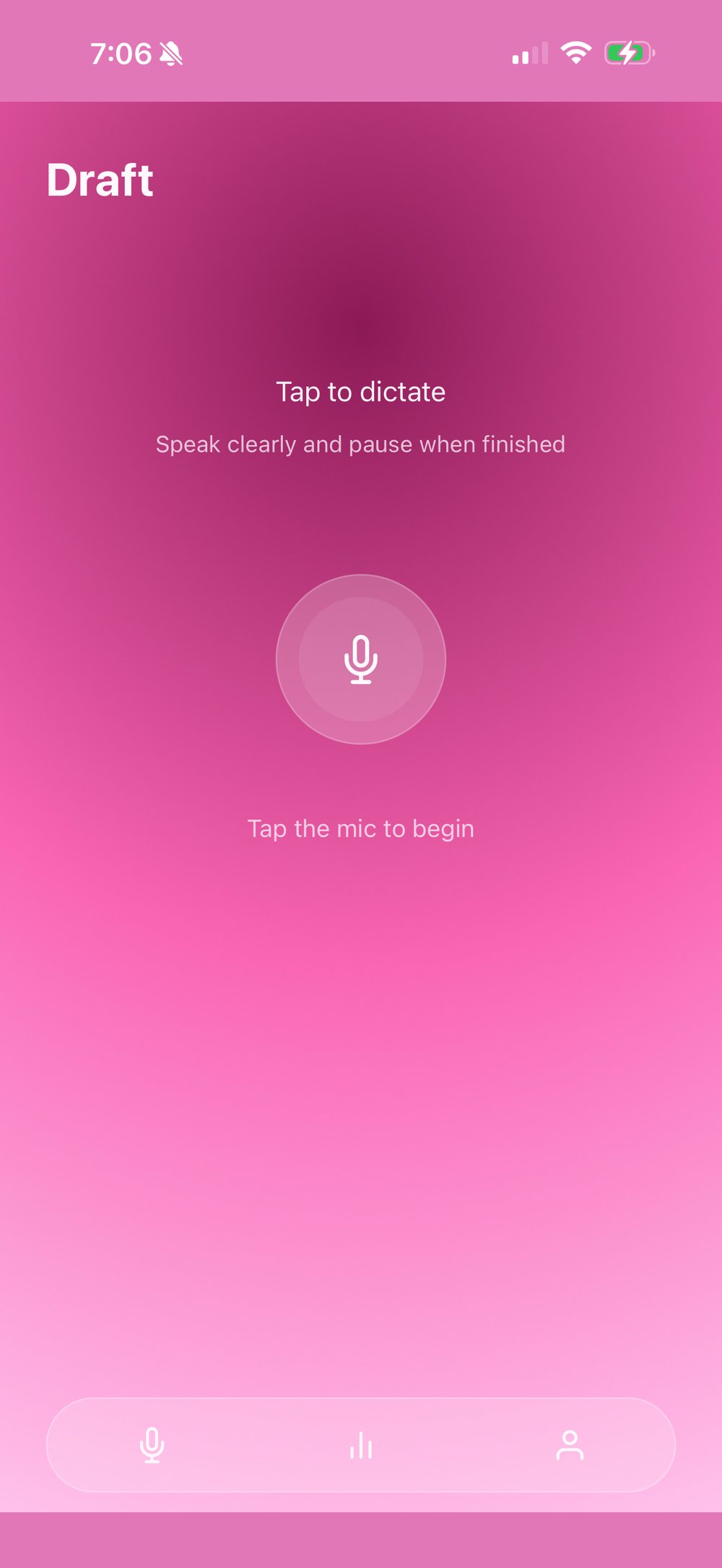
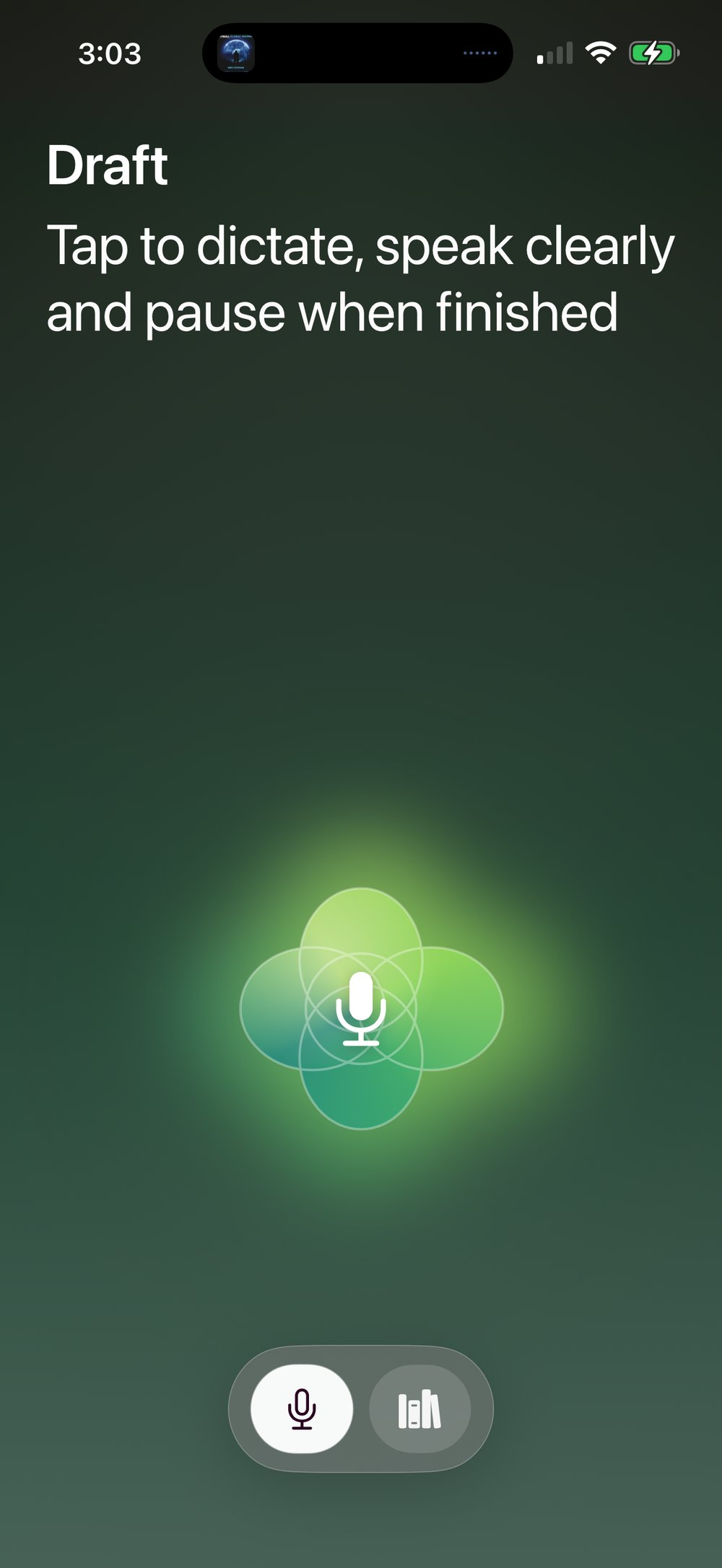
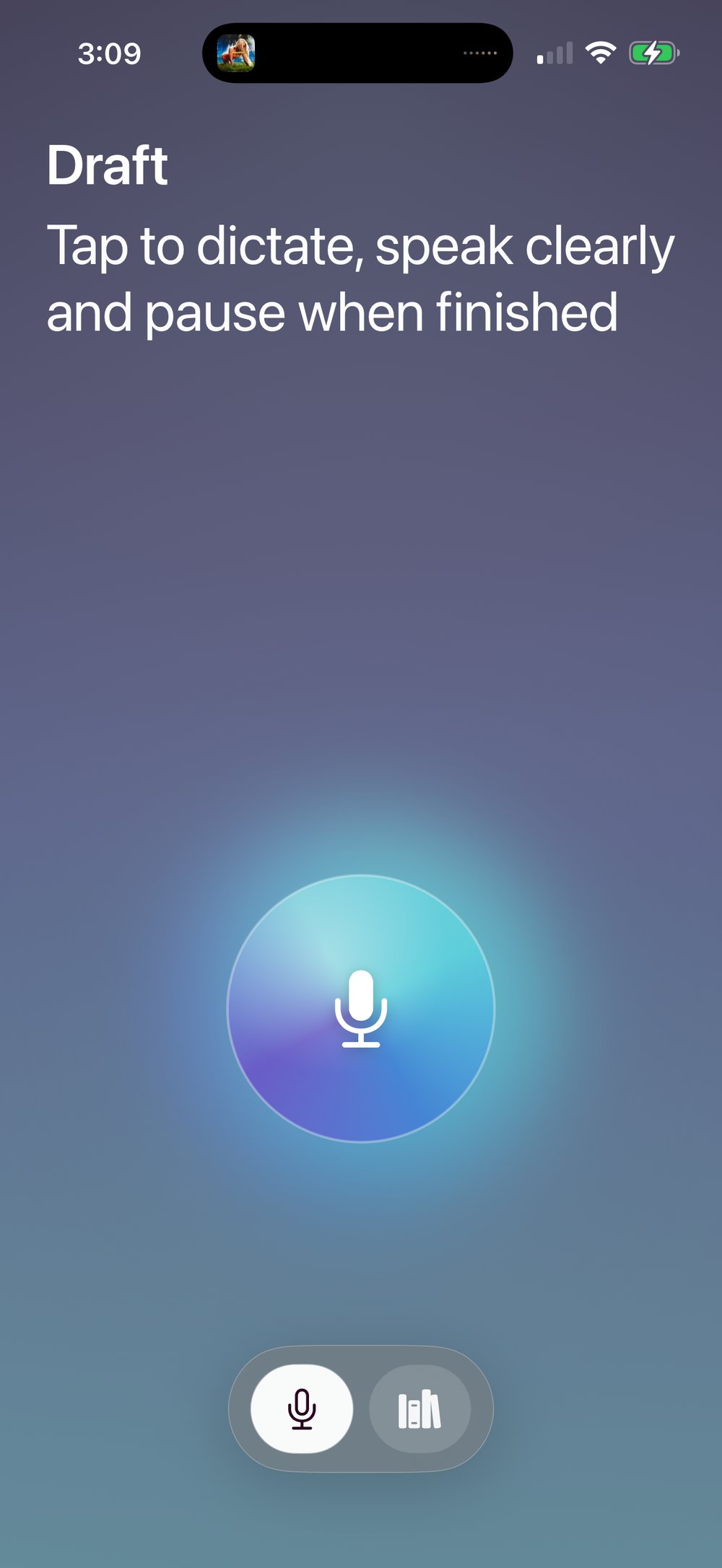
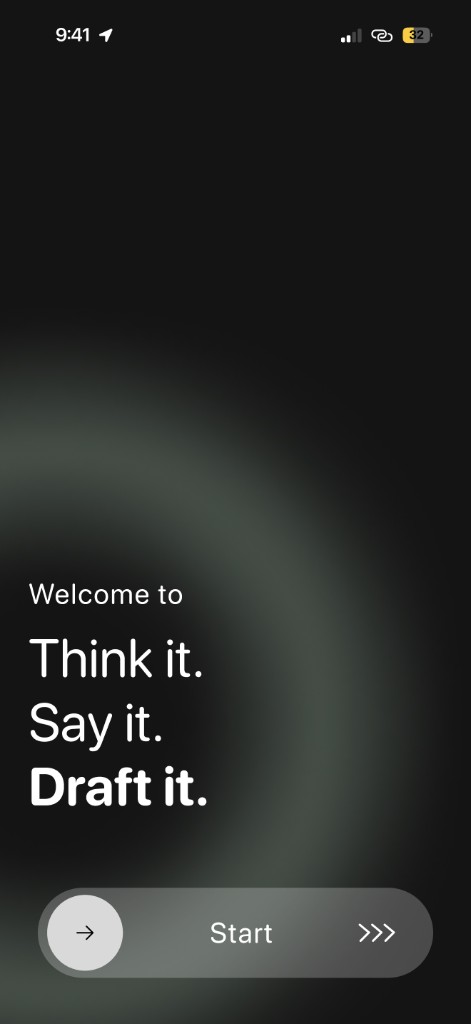
The dictation screen went through the most rounds. It started as a flat pink screen with a single mic button. Then I explored a series of animated orbs to make listening feel alive. The final version is simple: tap once, speak, and pause when you're finished.
Start of semester
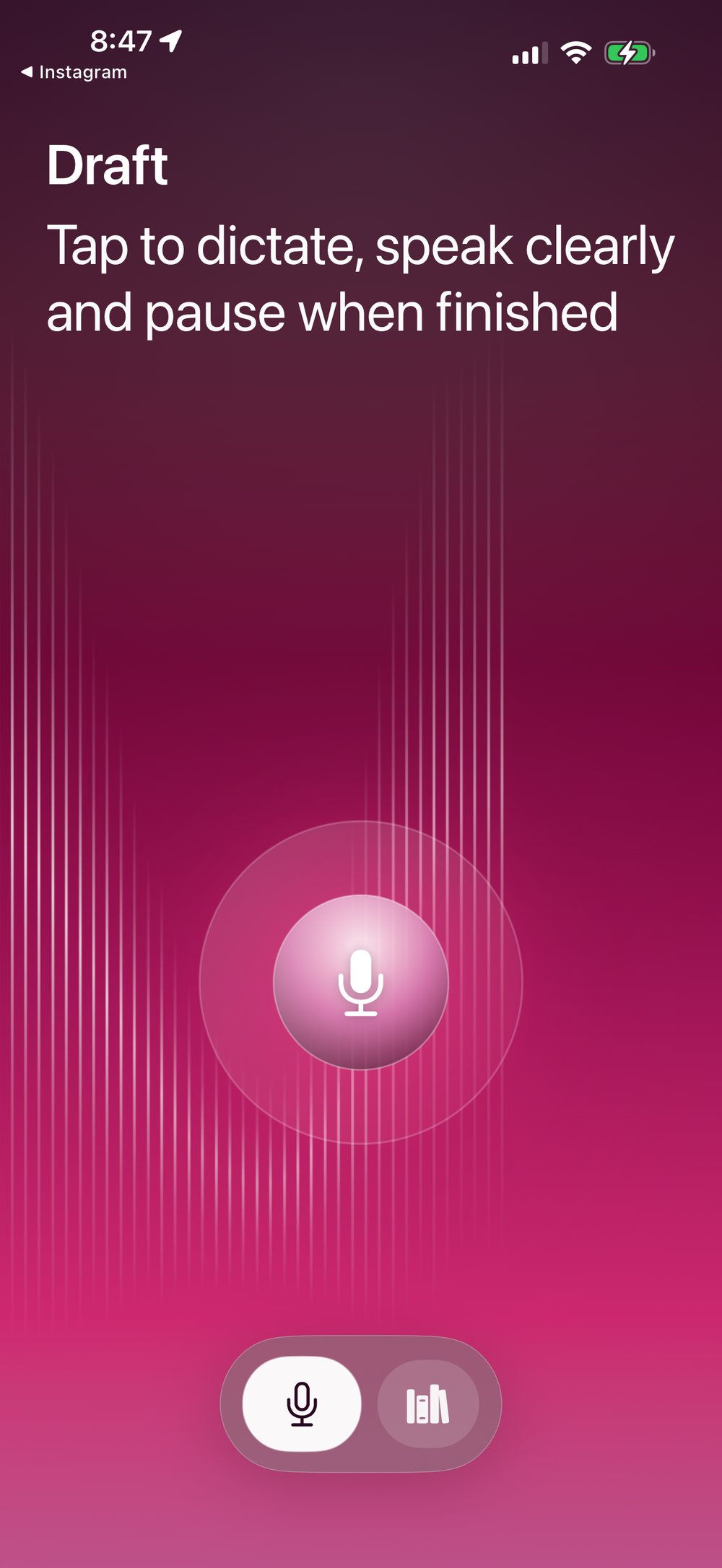
Mid semester
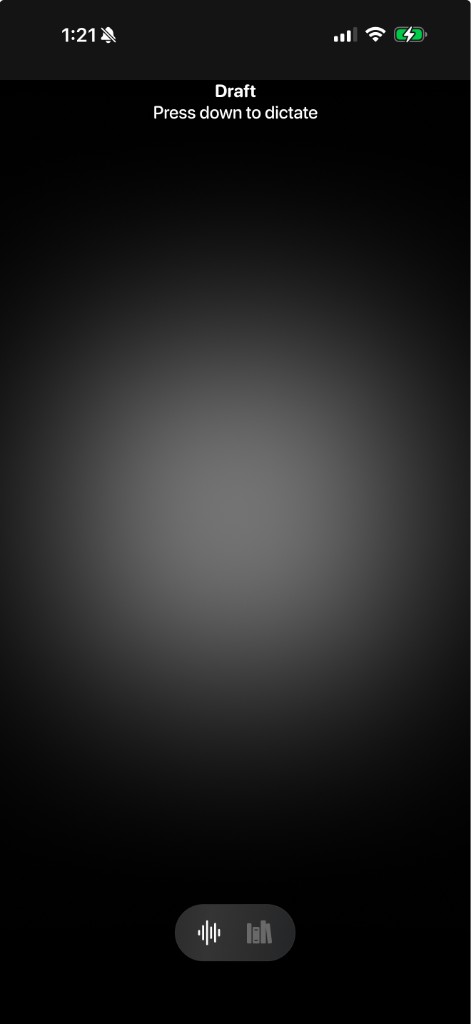
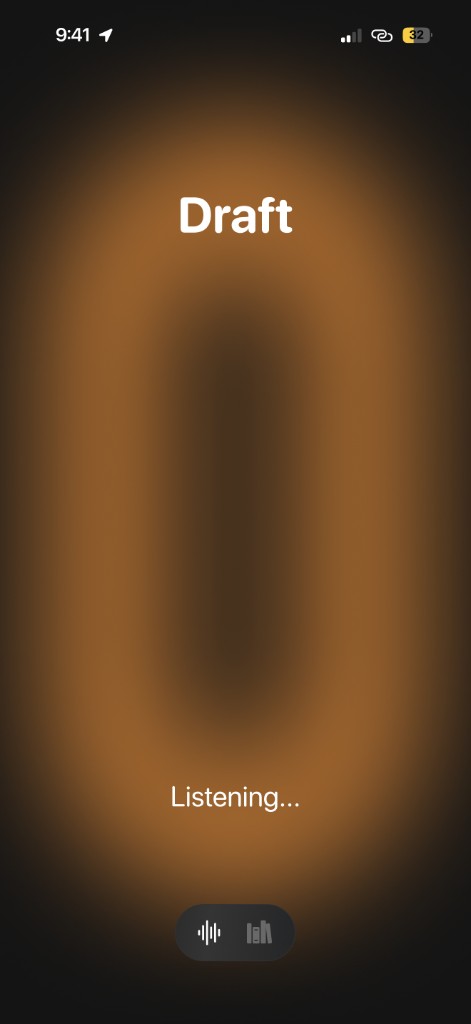
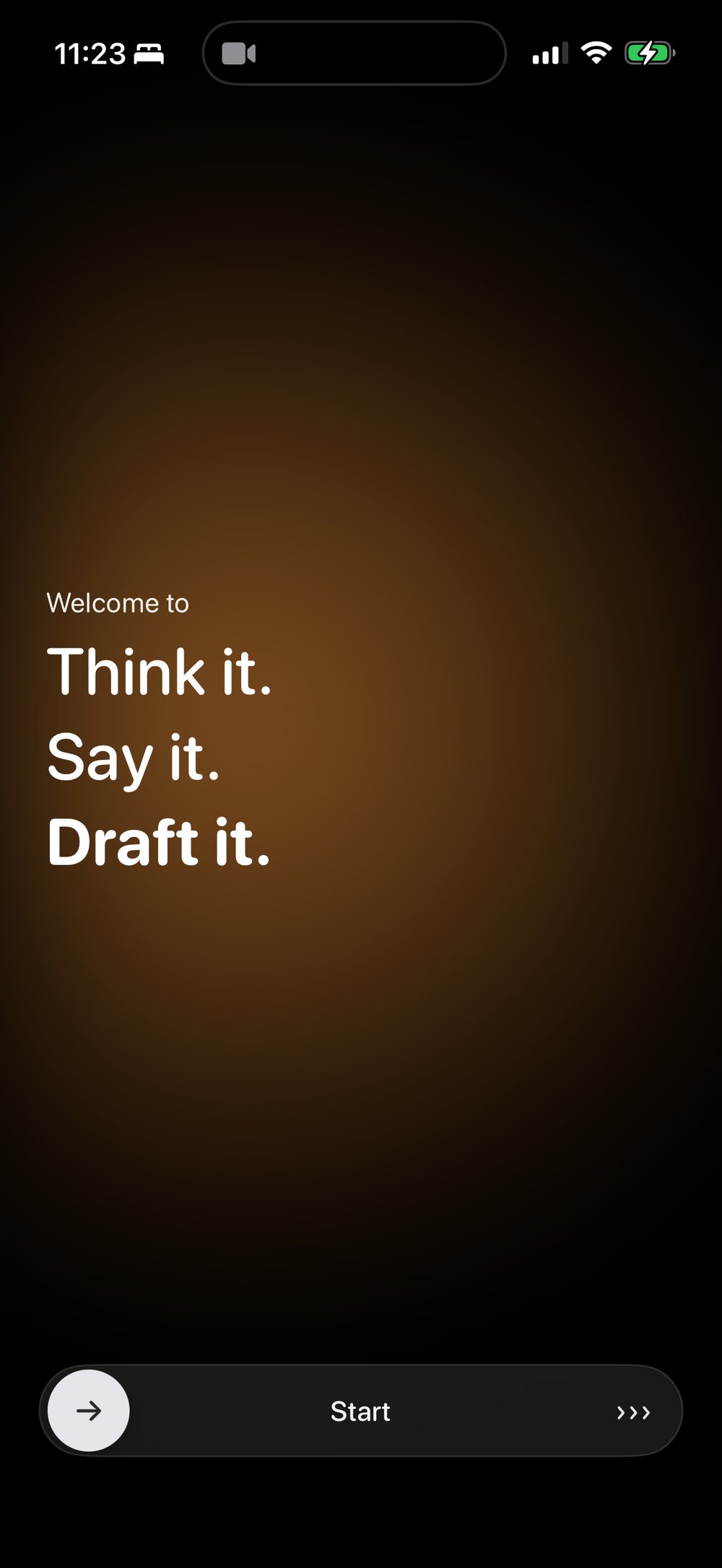
One detail mattered most: your words appear on screen as you speak, so you always know Draft heard you before it generates anything.
The React Native to Swift rebuild was the biggest iteration of the project. It was not a small call to make mid-timeline, but the version I had did not feel right and I could not ship something that looked wrong.
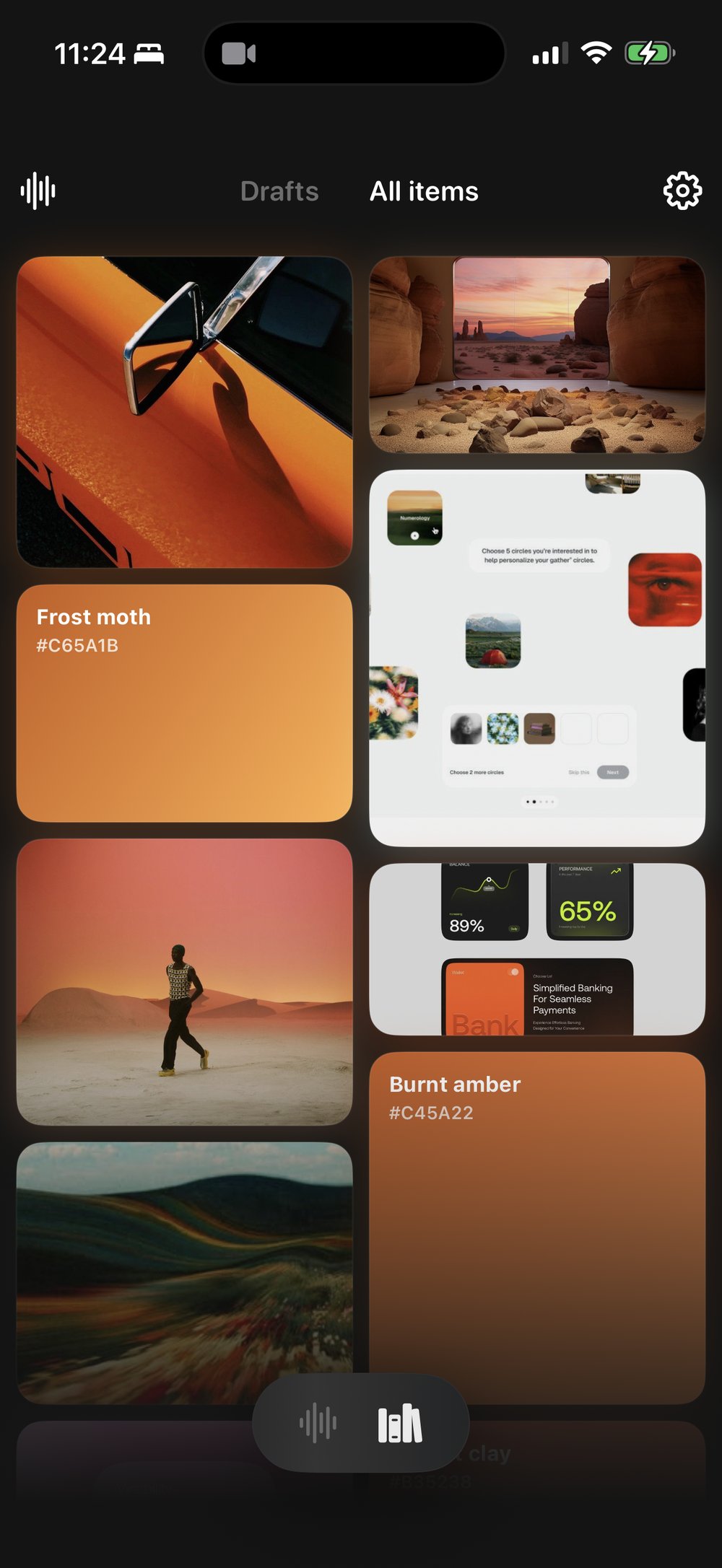
The library went through four versions, from a simple file list to a masonry grid that lets the work speak for itself.
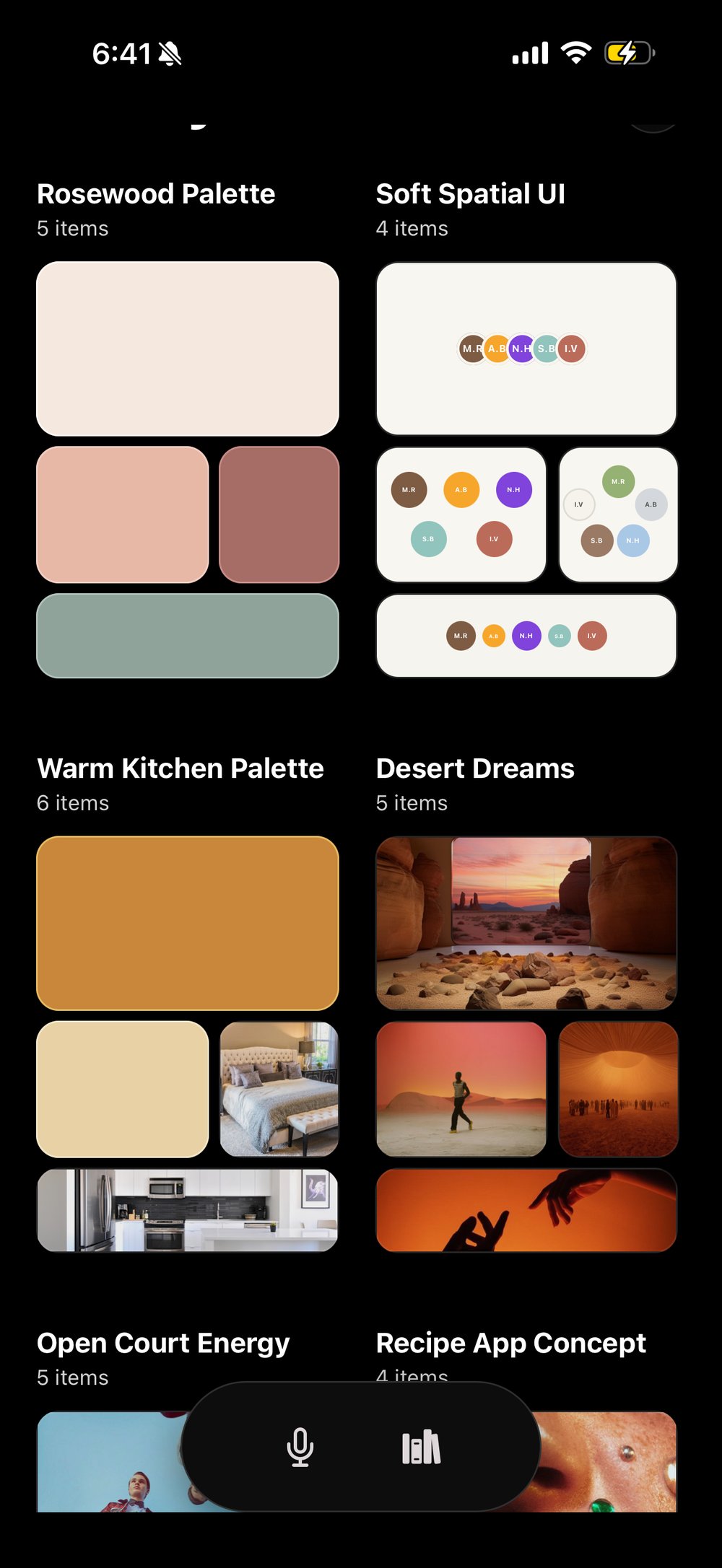
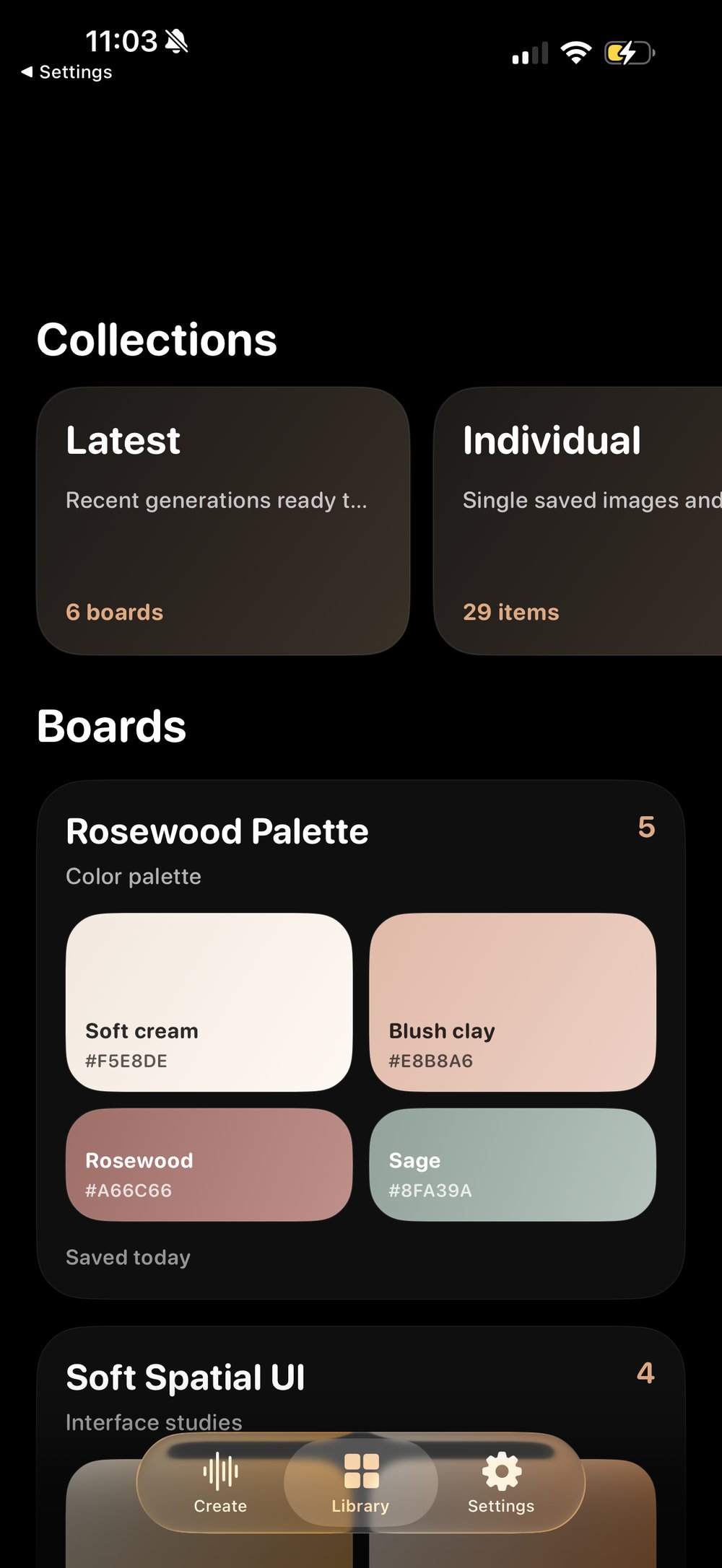
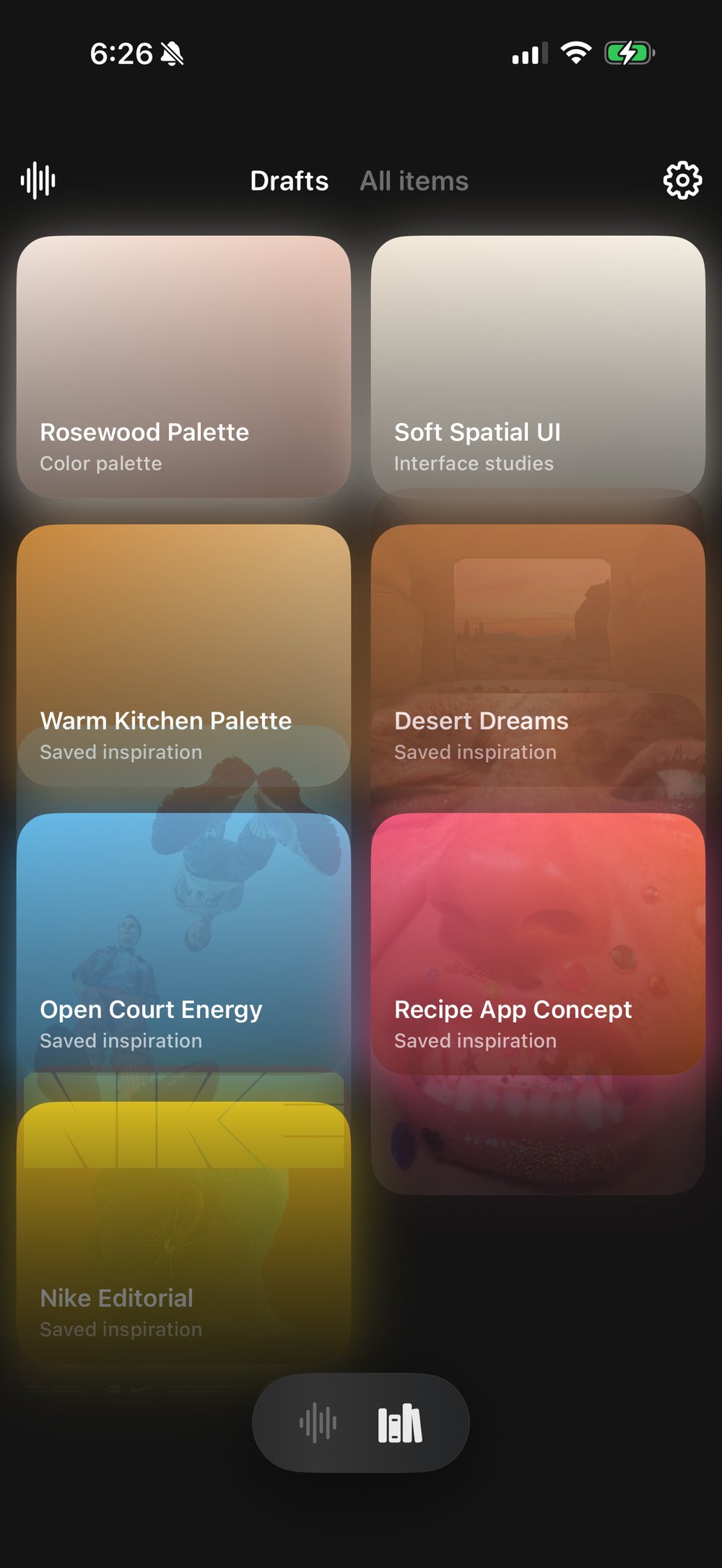
The three-direction model stayed fixed throughout. Every time I questioned whether to change it, keeping it felt more right than adjusting it.
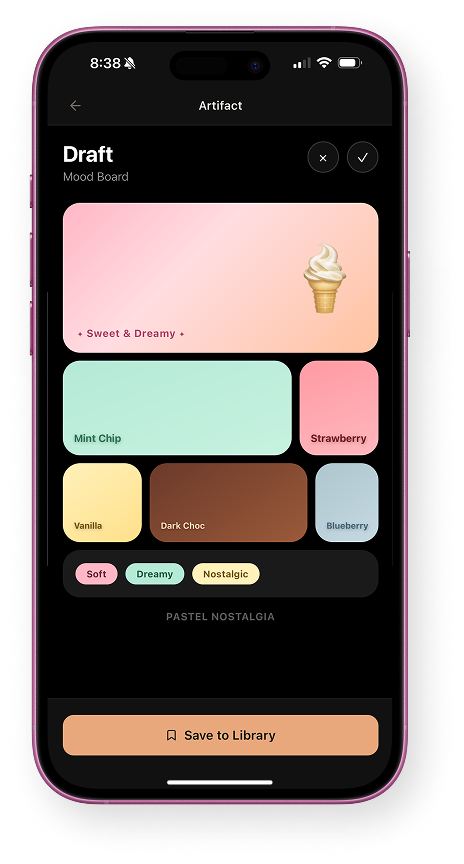
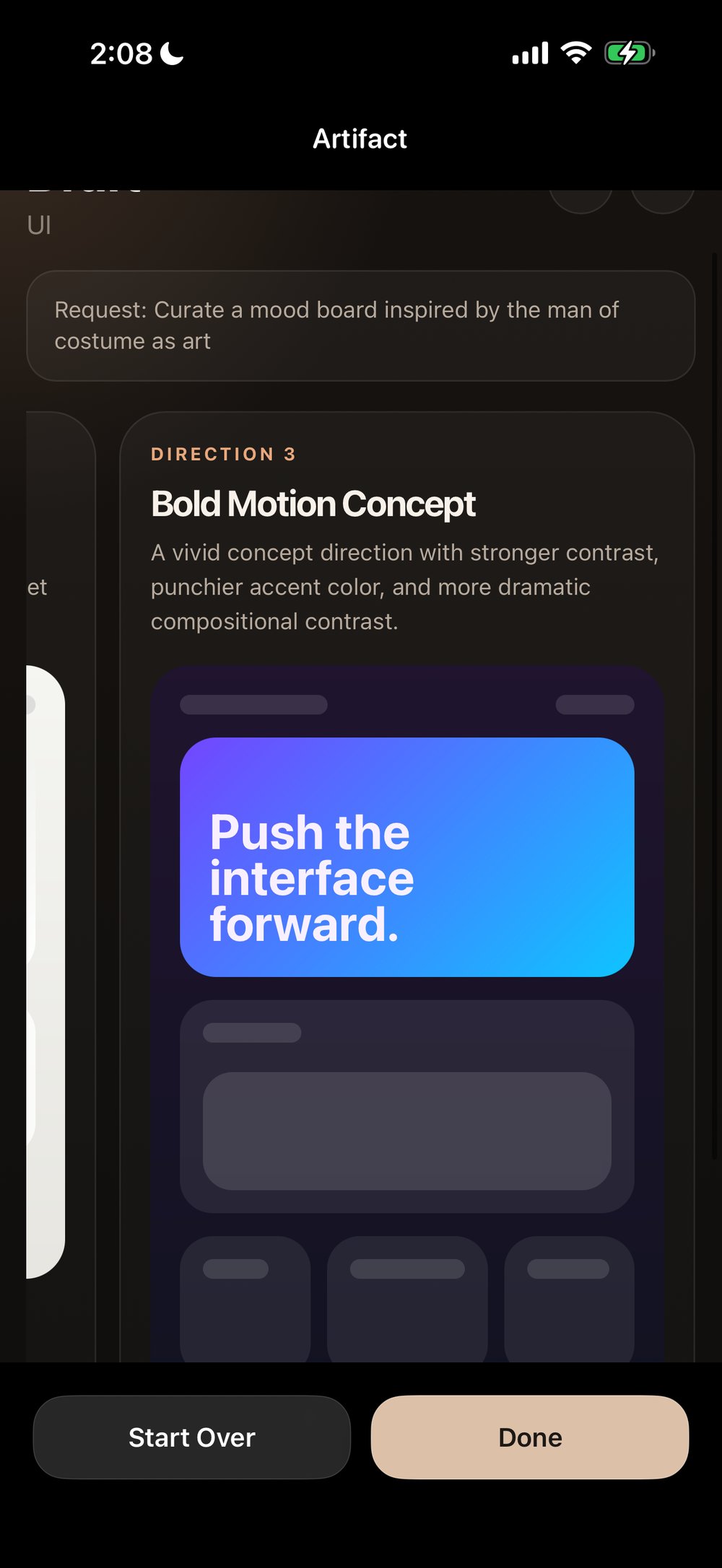
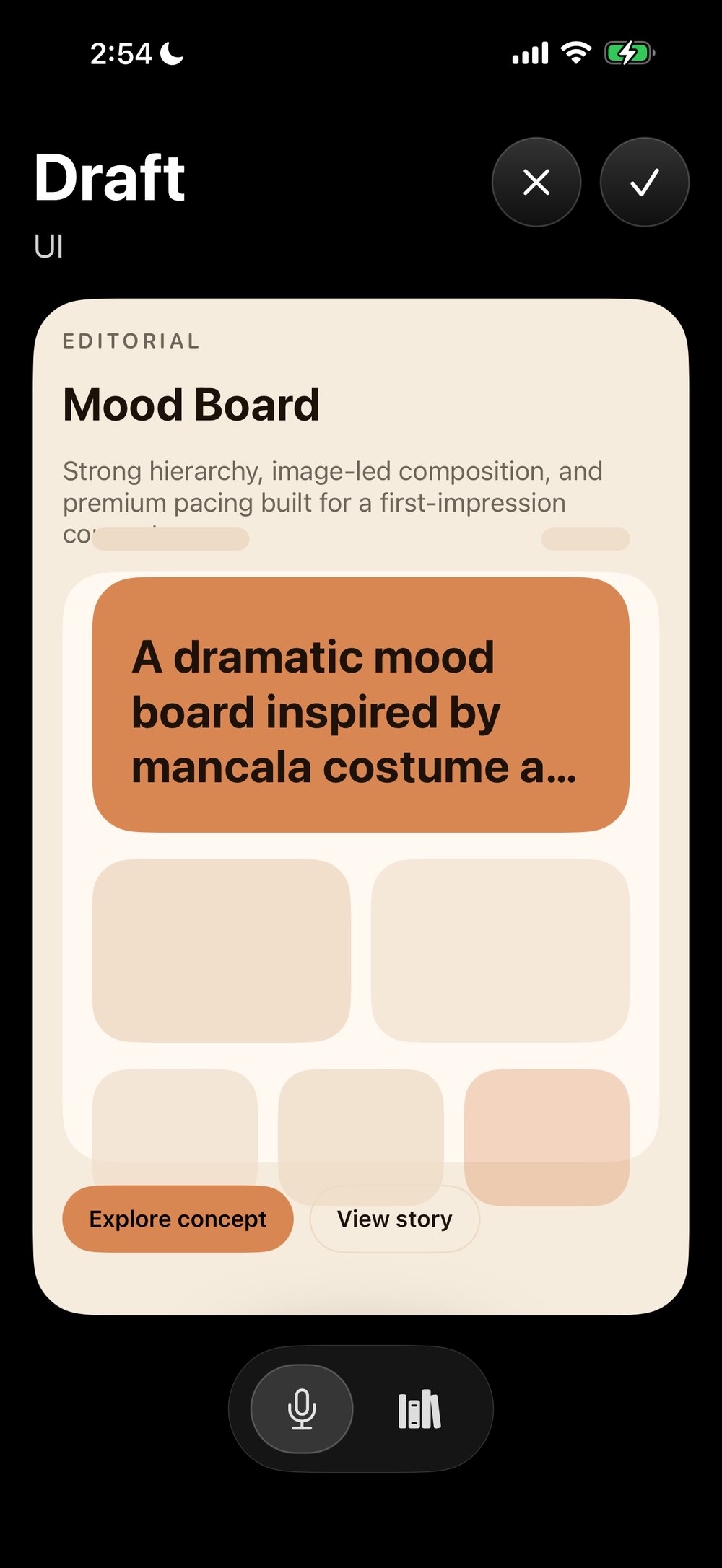
Artifacts got richer too, from a single stacked moodboard to image-led layouts.
Designing for Voice
Making listening feel alive.
Final Product
Speak a Direction. See Three Versions. Send the One That Fits.
Draft is live at lucytrep.com/draft .
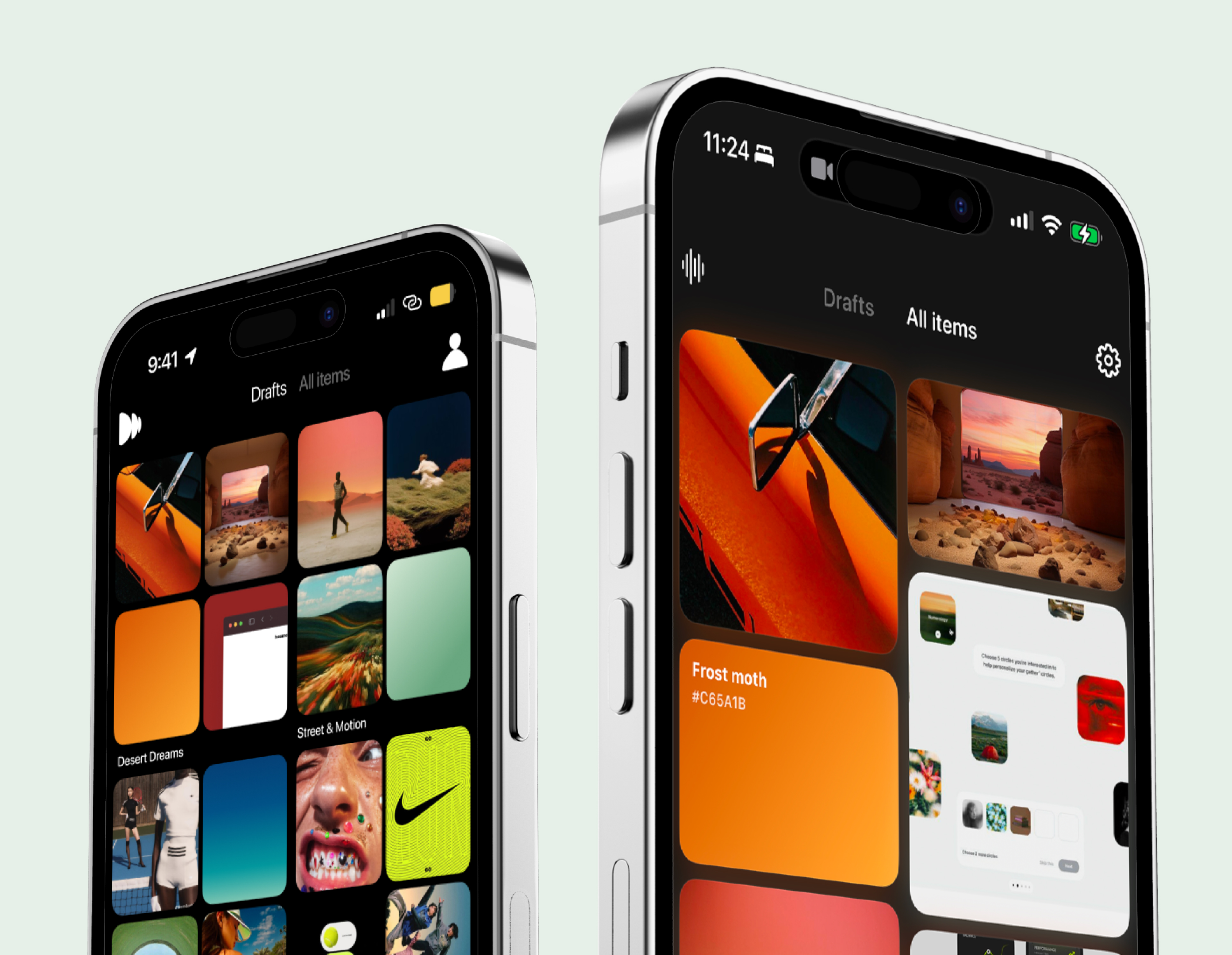
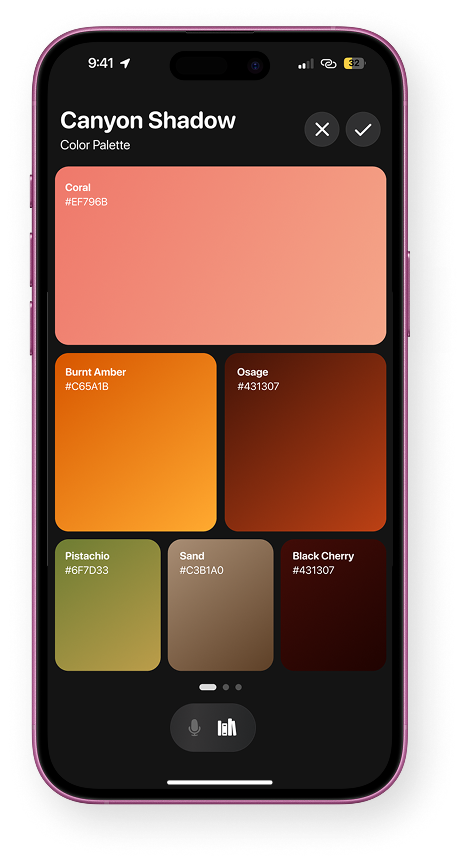
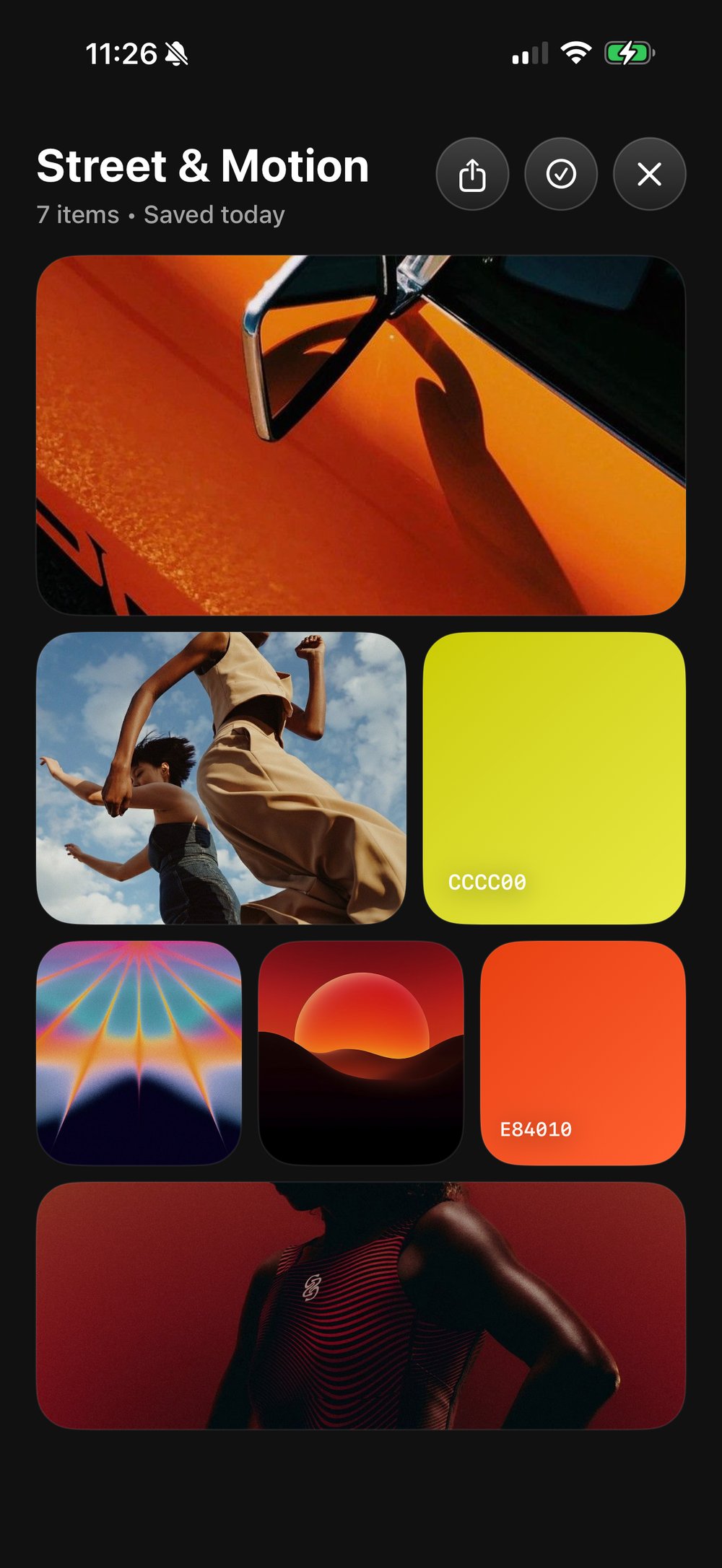
The app opens to a home feed of generated artifacts. You tap the microphone, speak a direction, and three creative outputs appear across four types: color palettes, UI layouts, image collections, moodboards. Everything in the feed is saveable. The session is disposable. Draft is not where you finish things. It is where you start.
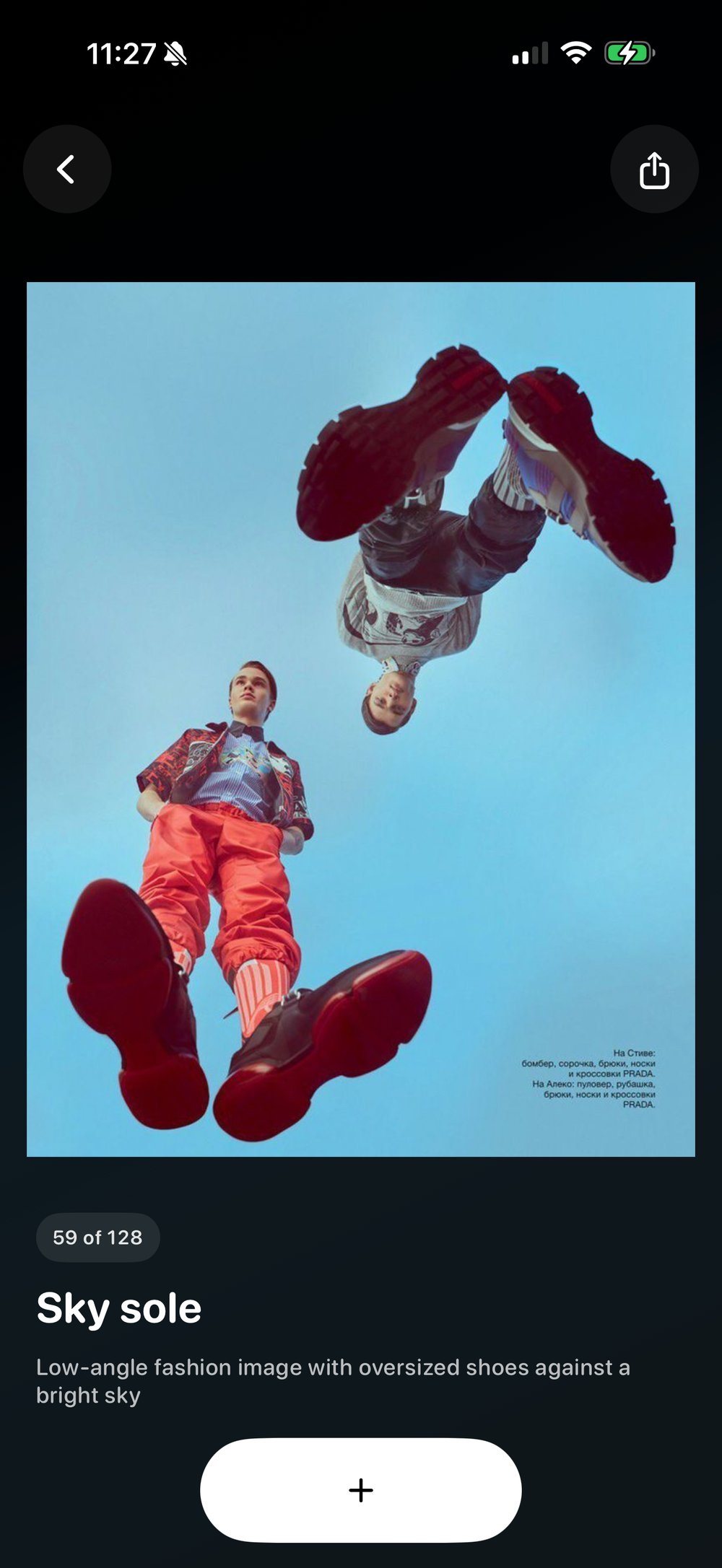
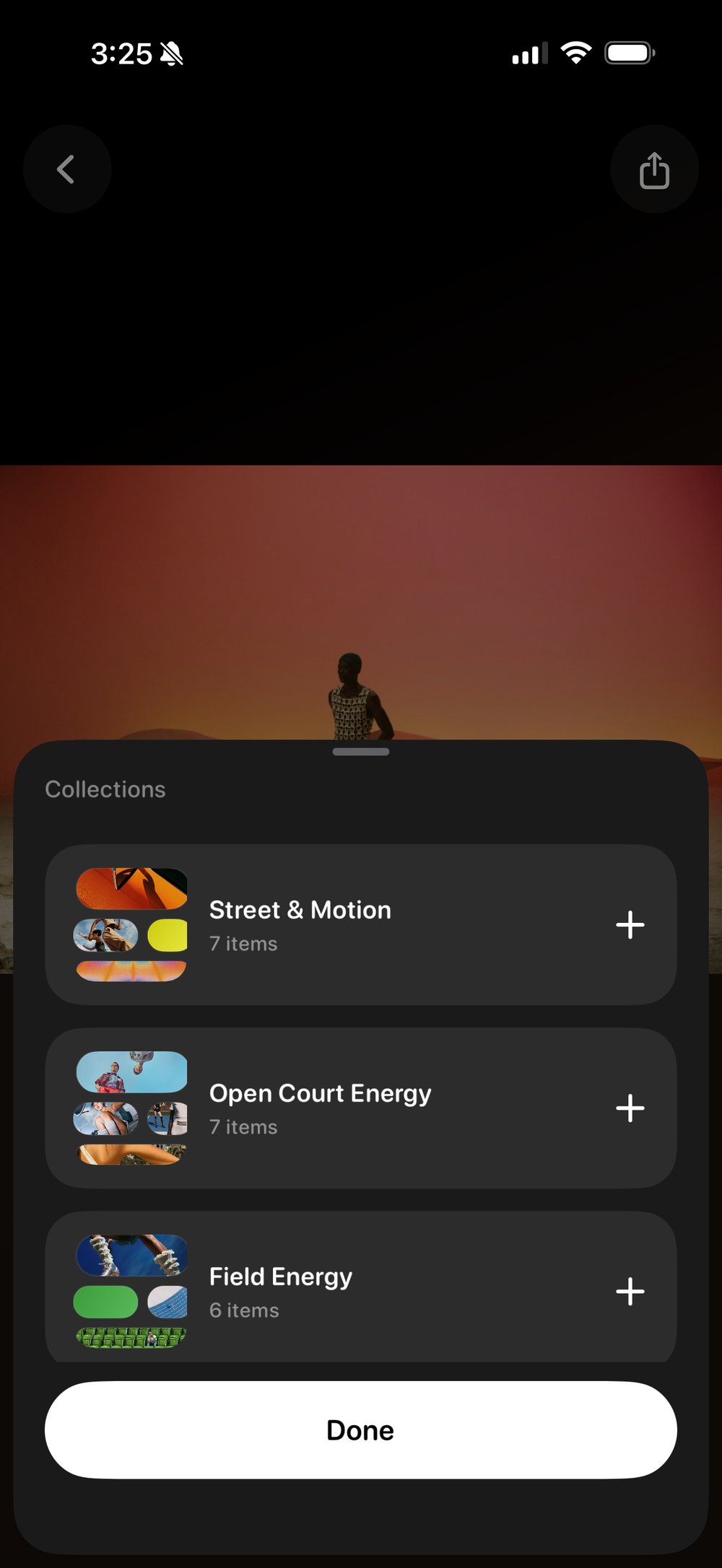
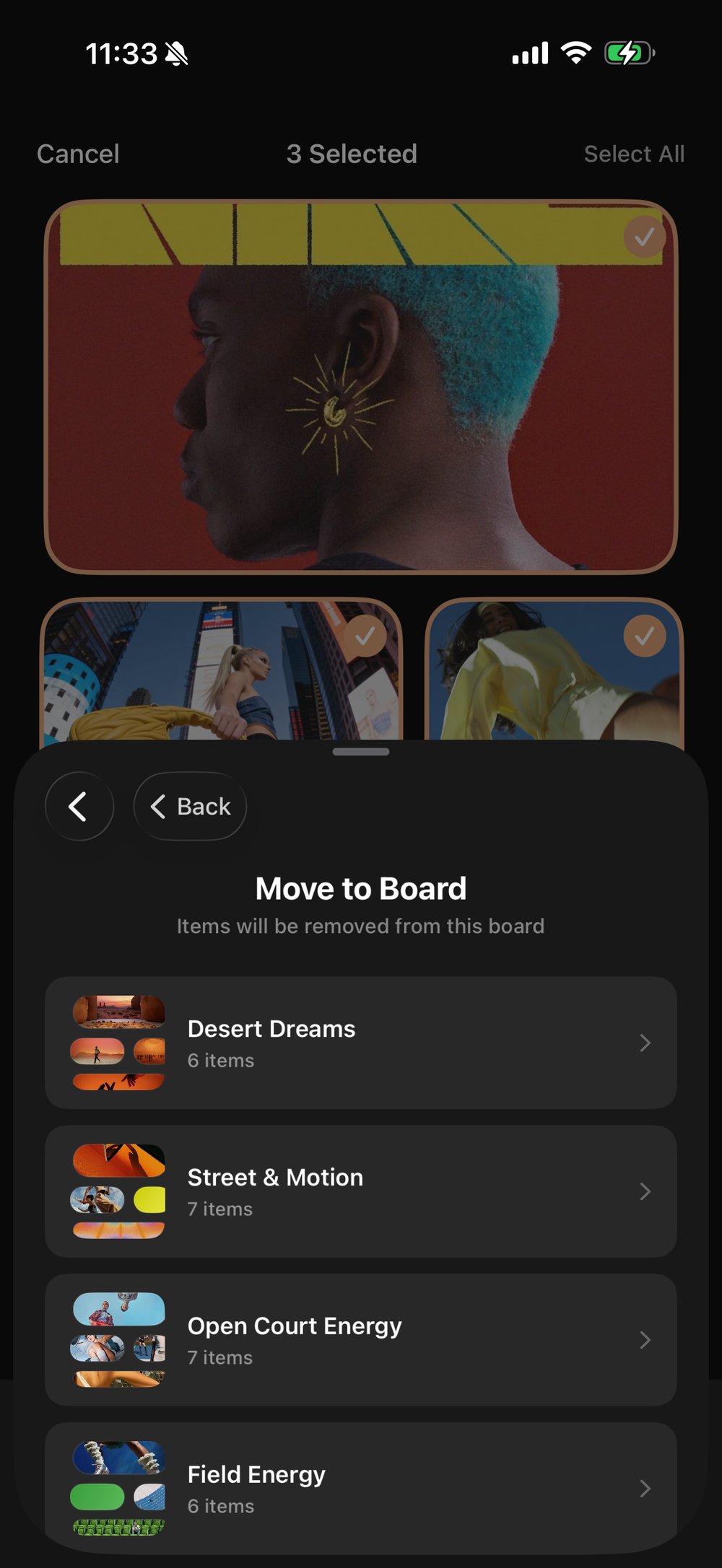
Saving is where a first draft becomes something you can use. Every item gets a short AI description, and you can sort anything into boards in a couple of taps.
Impact
"Voice to moodboard."
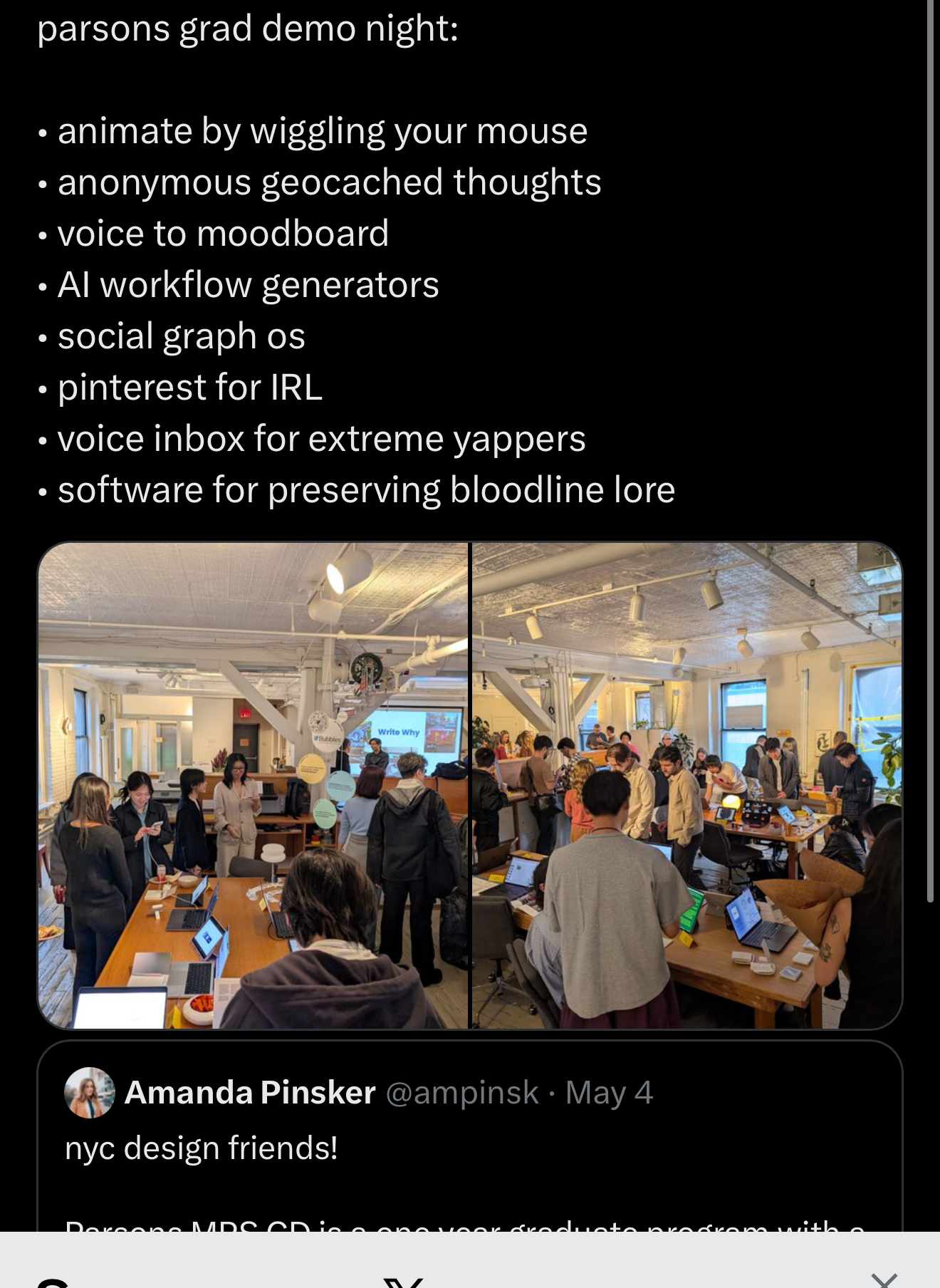
Someone who attended the showcase posted about the night on X. They listed the projects in the room. Draft made the list as "voice to moodboard."
That description, written by someone who had just used it for thirty seconds, was a good sign that the core idea was landing.
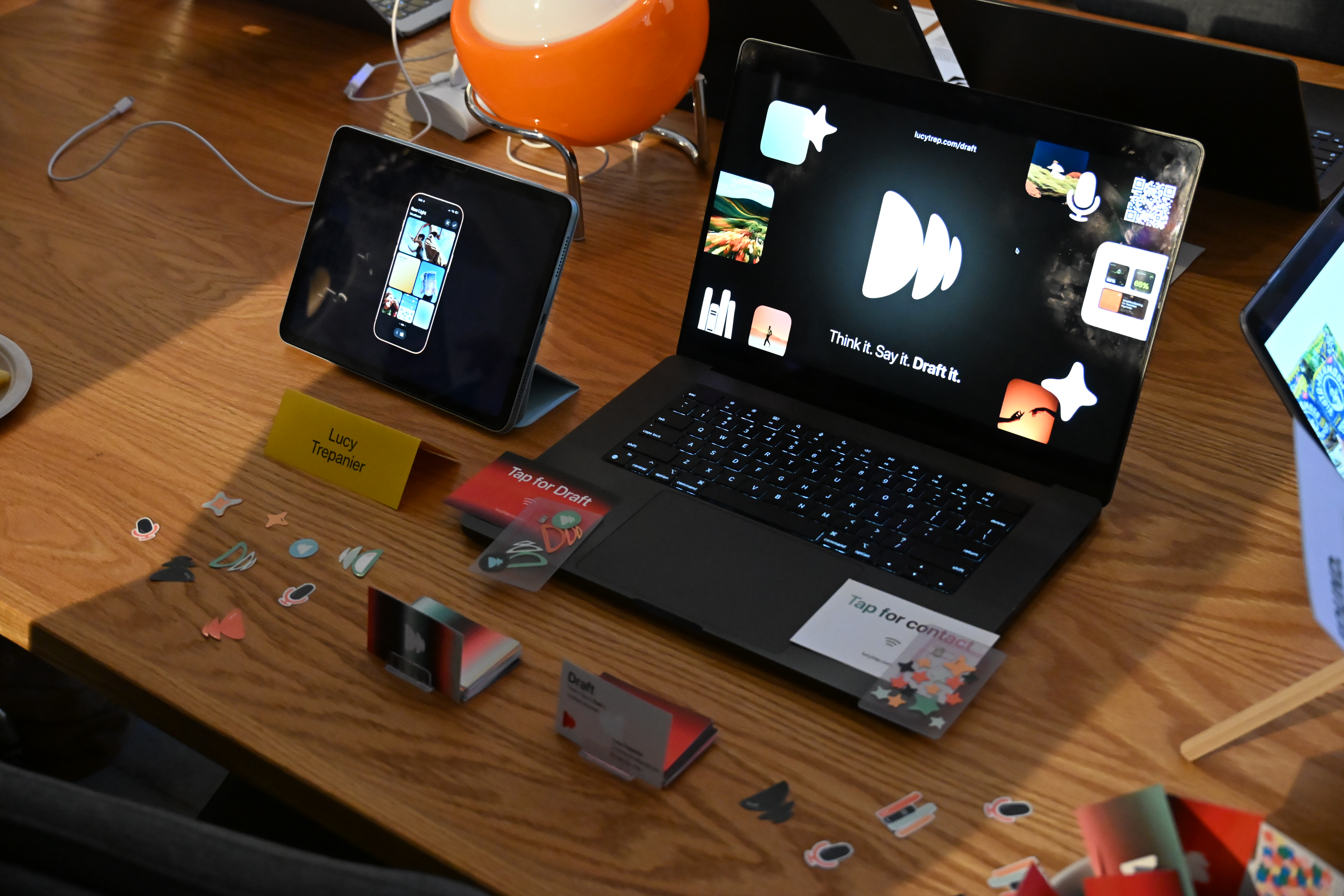
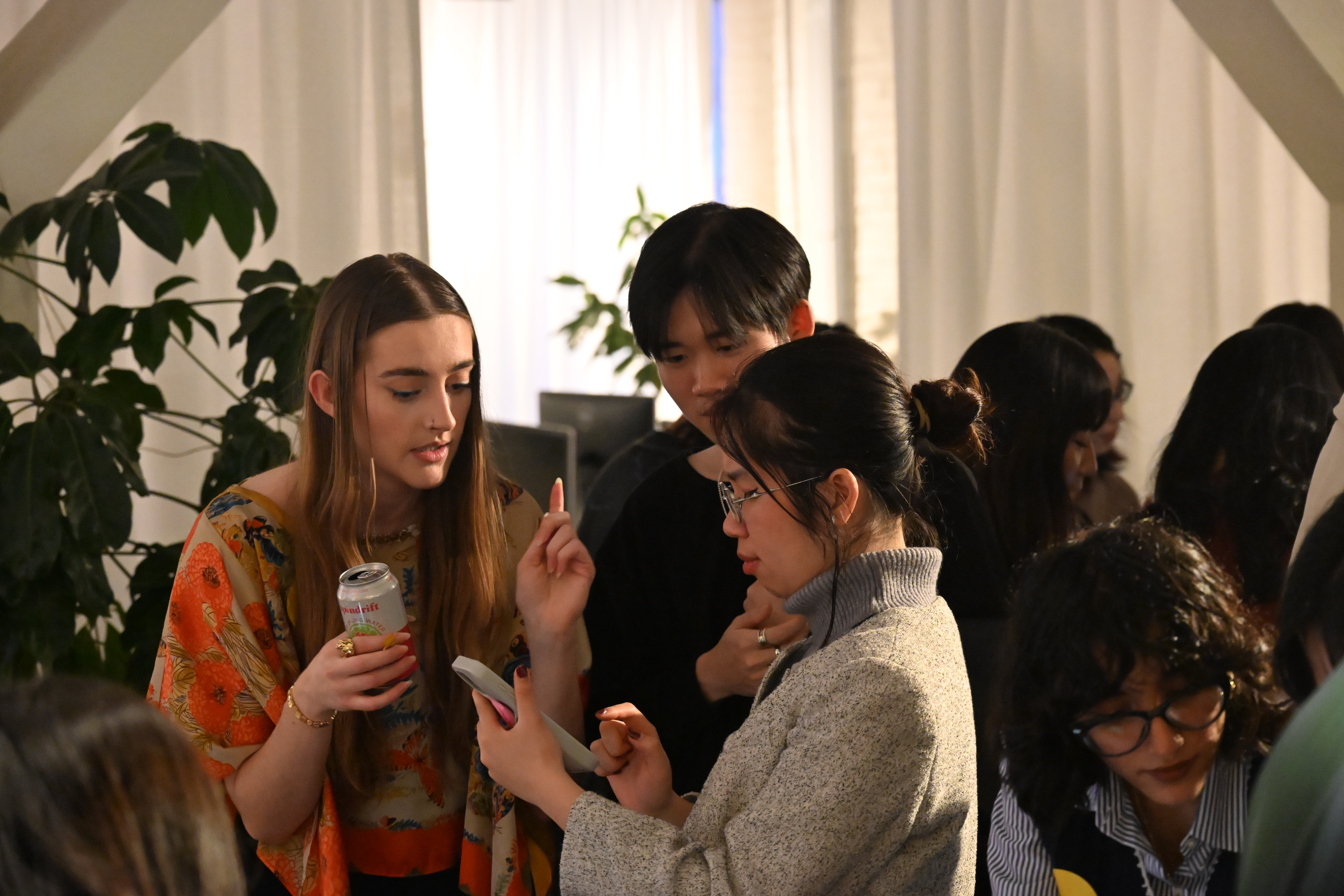
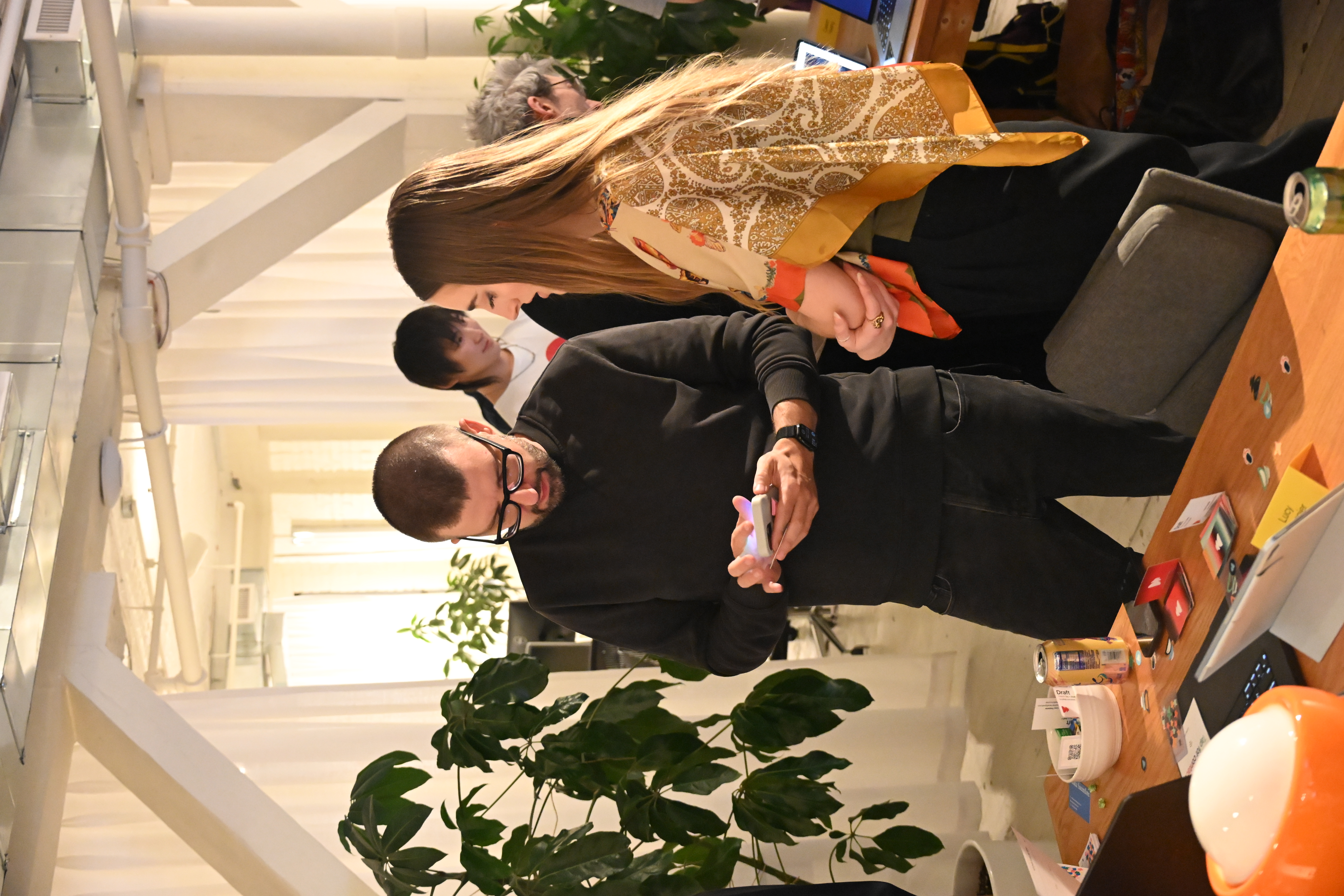
The NFC tags were tapped throughout the night. People pulled up the marketing site on their own phones and a few people tested the app and spoke prompts they came up with themselves.
Reflection
I Wanted to Build a Tool I Needed
I have always processed ideas visually before I can put them into words. Draft came directly from that frustration: having a direction and no fast way to hand it to someone from my phone without switching into a completely different mode.
The thing I am most proud of is that voice is genuinely the entry point. Not a toggle, not a feature buried in settings. The whole interaction model is built around it, and that decision came from something real.
If I could go back, I would make the Swift decision earlier. The rebuild was the right call and I would make it again, but doing it sooner would have bought more time to develop the artifact system further.
The biggest lesson from the showcase was how much the final production steps matter. Draft only ran on my own device, so everyone had to take turns on one phone. Every API call ran through my personal key, and keys expired.
That's what I want to solve next: distribution and API management that work the way a real product would, so anyone can try Draft on their own phone. I'd love to understand how teams handle this at scale.
Next, I want Draft to talk back. Right now it only listens. I'd love to explore voice output, like hearing the three directions read back while you're walking, so the whole loop can happen without looking at a screen.
Presentation
Index Design Studios, Chinatown, New York
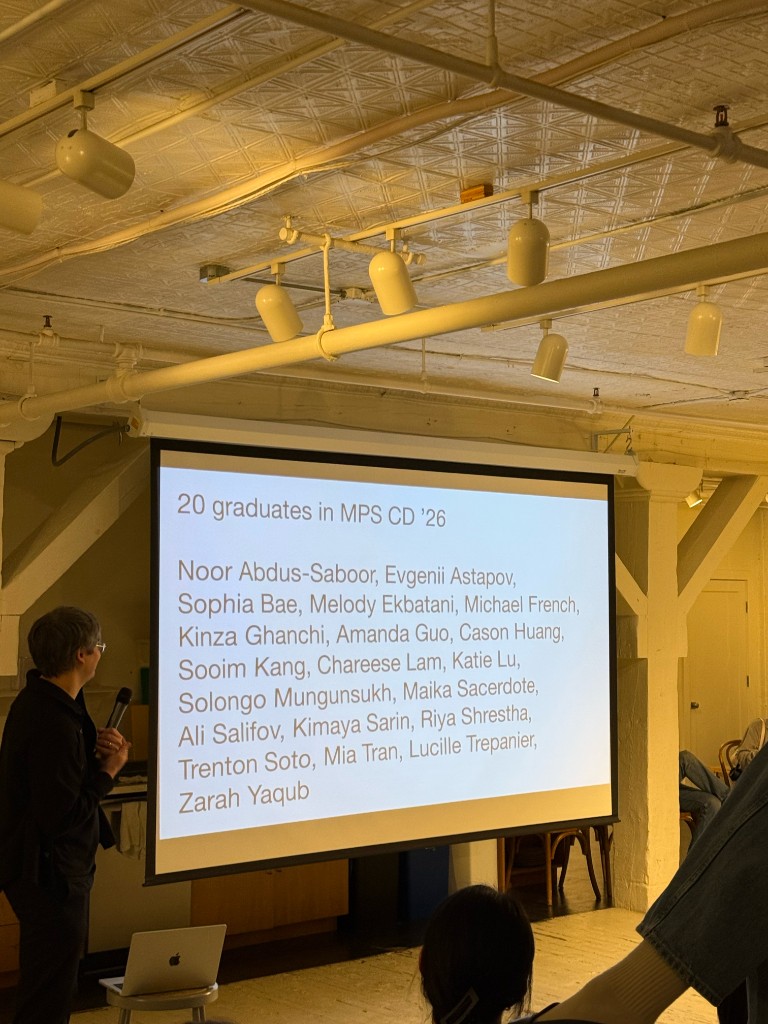
Draft was presented at Index Design Studios in Chinatown, New York as part of the New School MPS capstone showcase. The format was gallery-style. People moved through the space at their own pace and stopped where something caught them.
I set up with a looping product video on an iPad, NFC cards you could tap to open the marketing site or save my contact directly to your phone, stickers, and a live device anyone could pick up and try.
Draft is something you have to touch to understand. Reading about voice-first generation does not land the same way as speaking a prompt and watching three directions appear. The gallery format made that possible.