Canvas Health - Reducing digital waste - Concept
Reducing digital waste through system-level design
Overview
Canvas Health - reducing digital waste through system-level design
Canvas Health is a system feature for Figma that reduces duplicate frames and file bloat at scale. It is designed for product designers working in large, fast-moving files where duplication is constant and invisible. The core problem is a lack of visibility and control over accumulation, leading to slower performance and unnecessary storage overhead.
The system introduces real-time duplication feedback, prioritizes high-impact frames, and automates cleanup through defaults and one-click actions. This shifts file health from a manual task to a continuous, system-driven behavior.
The Problem
Digital accumulation is invisible, so behavior never changes
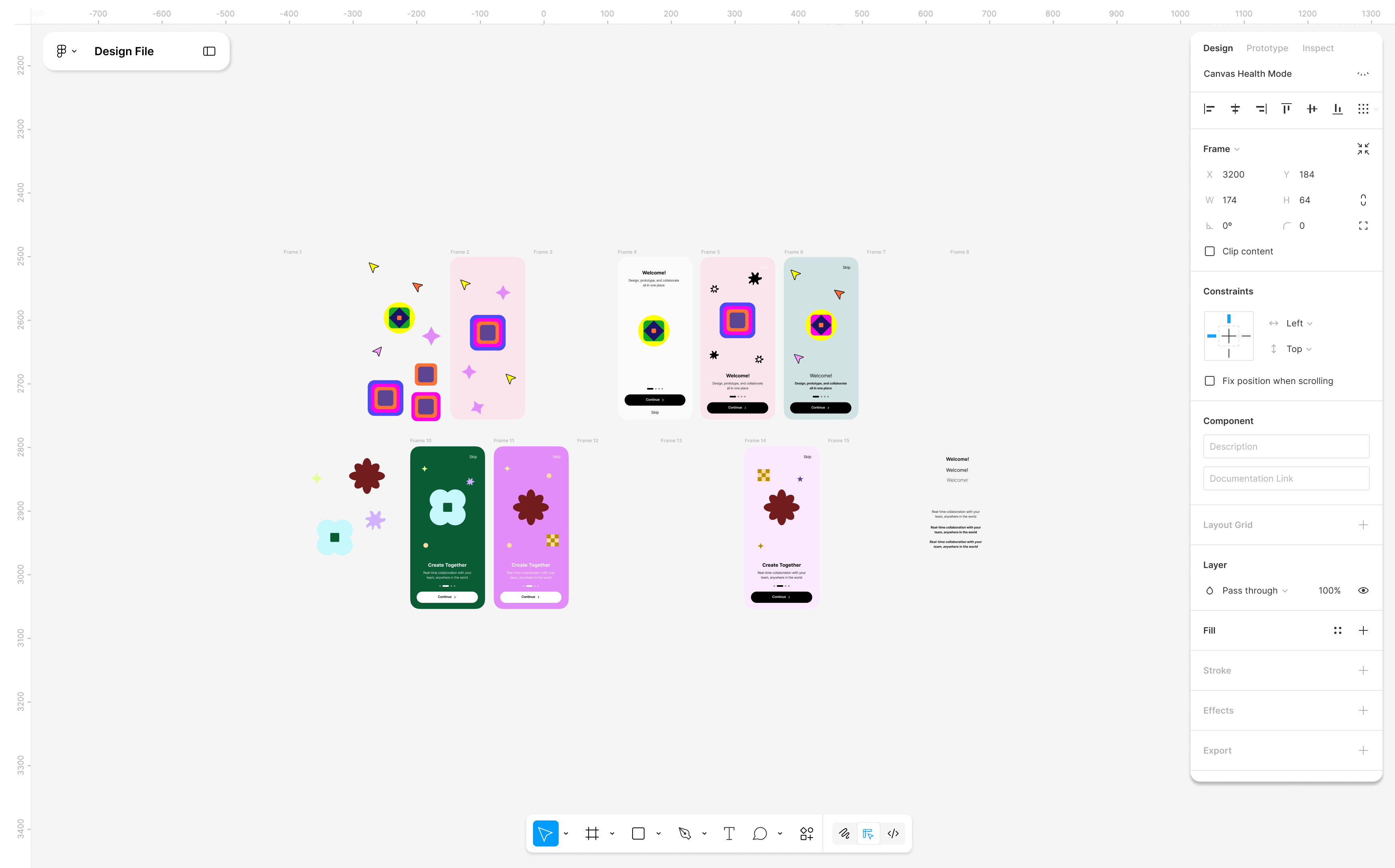
Designers duplicate constantly to explore, iterate, and version-but the system provides no visibility into what accumulates. Duplicate frames, unused components, and redundant versions stack silently, with no signal of impact or urgency.
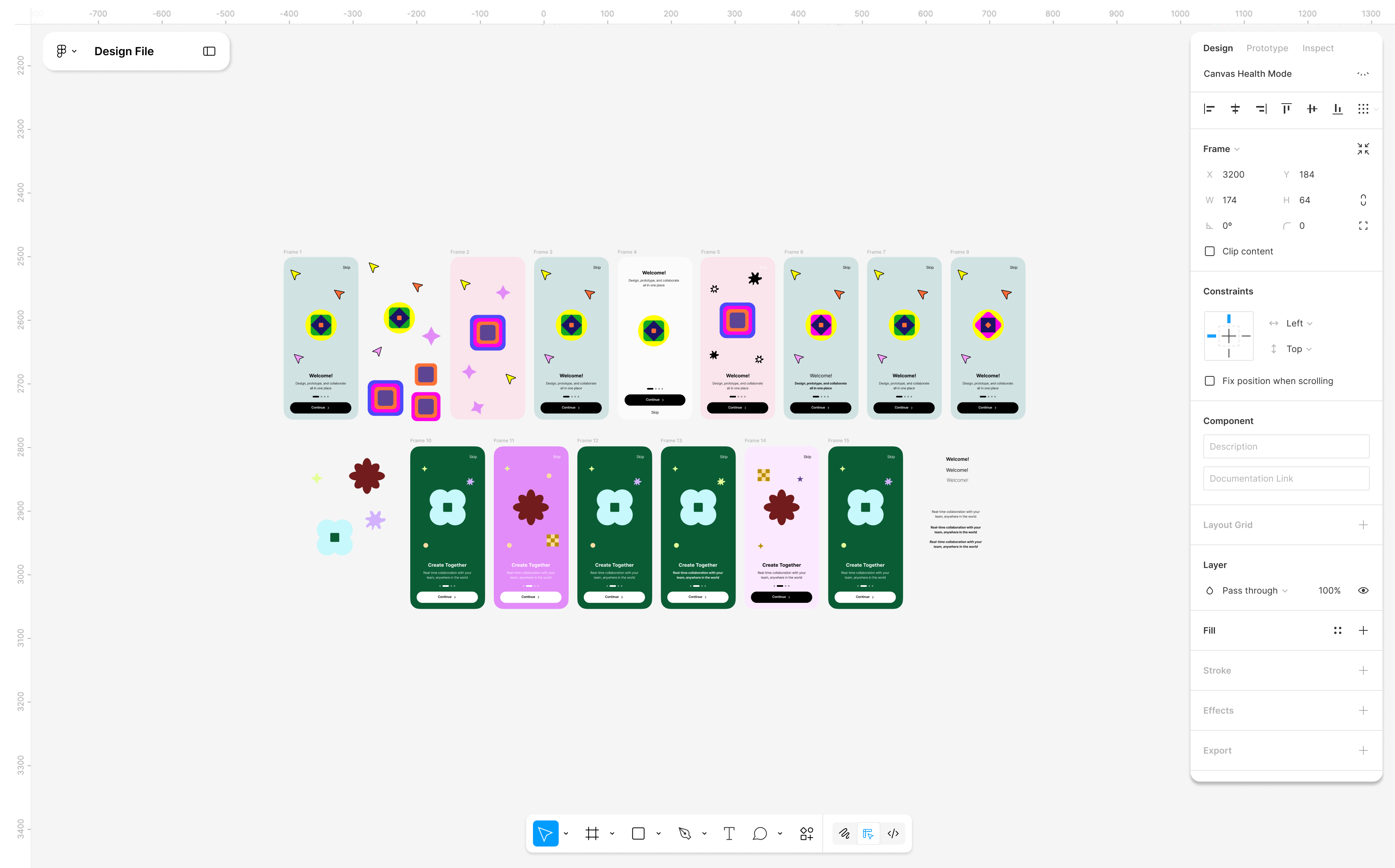
Cleanup is manual, time-consuming, and risky, so it is consistently deferred. By the time performance degrades, files are already bloated, harder to navigate, and expensive to maintain. A typical file in my audit contained ~30% duplicated frames. Designers duplicated screens to explore variations or pull in external components, but without clear labeling or feedback, versions quickly became indistinguishable. By the time the file slowed down, it was unclear which frames were active, leading to hesitation, over-retention, and time-consuming manual cleanup.
Research Insights
Understanding how waste accumulates at scale
Defining the Opportunity
Making system impact visible at the moment of action
The opportunity was to shift file health from a reactive cleanup task to a system-level behavior. Instead of optimizing cleanup flows, I focused on intervening at the moment duplication occurs, where habits are formed and impact is created.
This led to three priorities: real-time visibility into duplication, lightweight guidance that does not interrupt design flow, and automated cleanup where manual action would be ignored. I deprioritized heavy audit tools and post-hoc management, which rely on behavior that rarely happens.
Before






After






Design Exploration
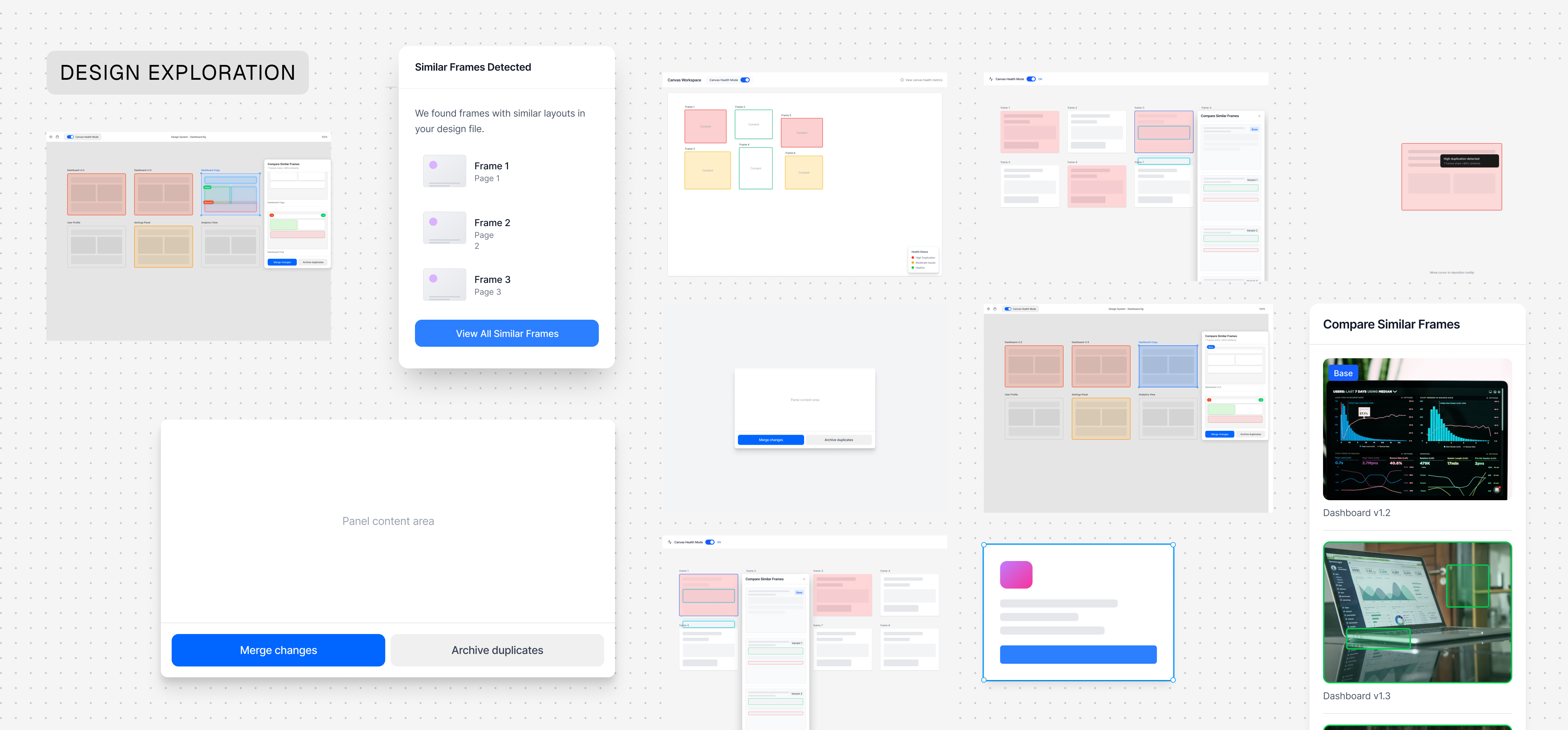
Designing a system, not a feature
I focused on embedding interventions directly into the workflow instead of adding a separate management layer. A standalone tool would rely on designers opting in, so the system needed to act at the moments where duplication actually occurs.
This led to distributing feedback across three points: creation, accumulation, and intervention. The tradeoff was balancing visibility with interruption-signals had to be noticeable without disrupting flow, and actions had to feel safe to reduce hesitation. Reversibility became a core constraint, ensuring designers could act without risking loss.
Final Product
A system that integrates into existing workflows
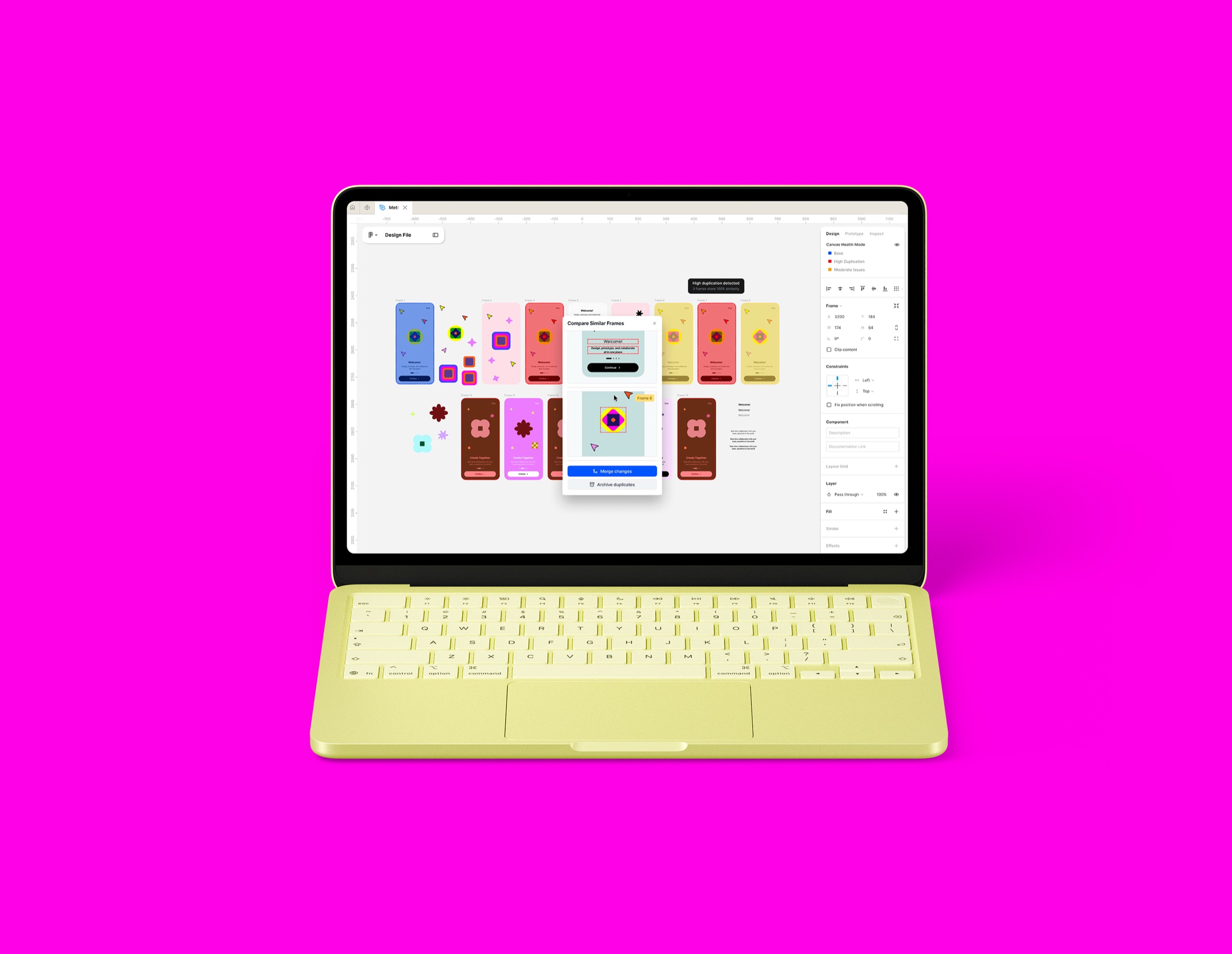
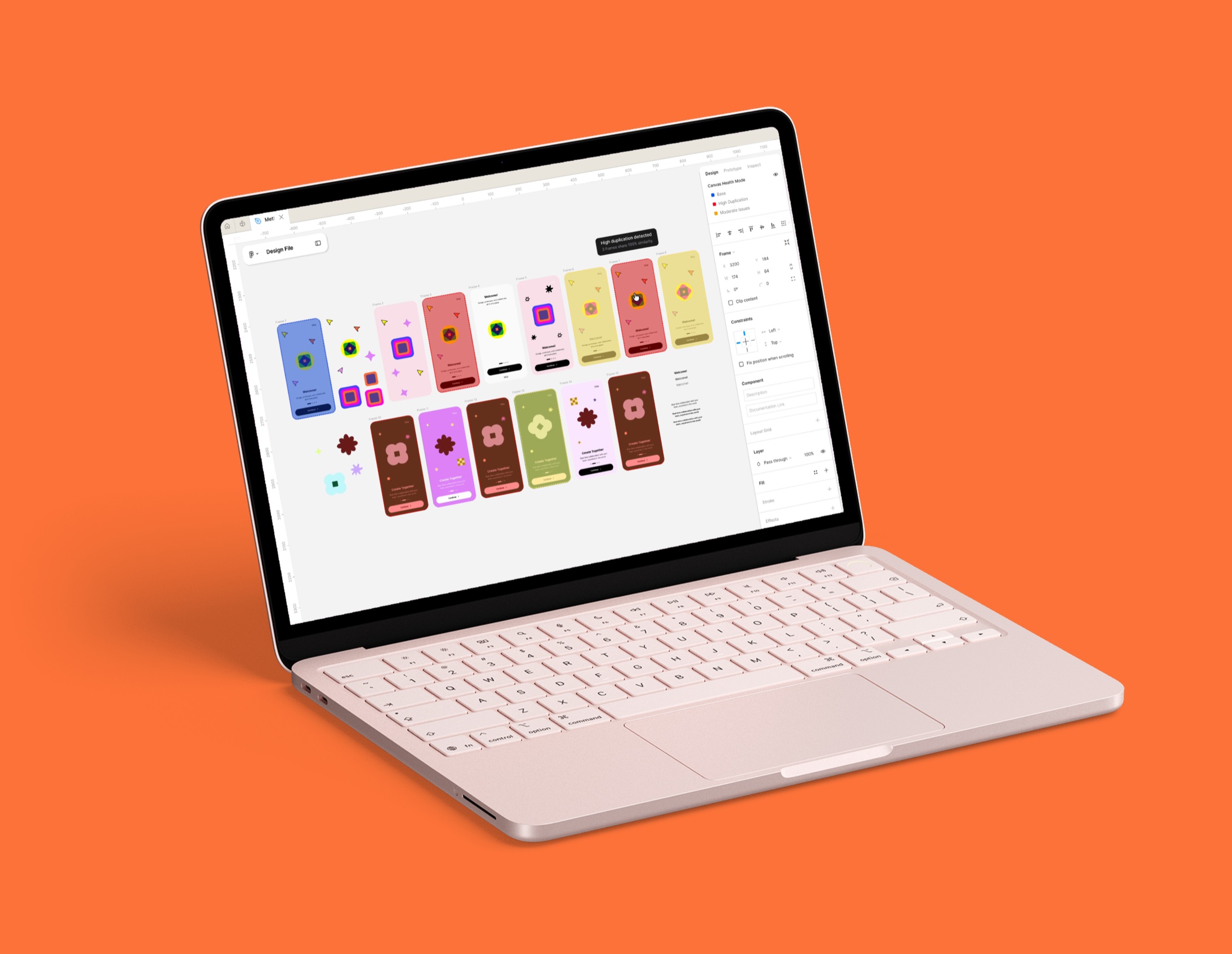
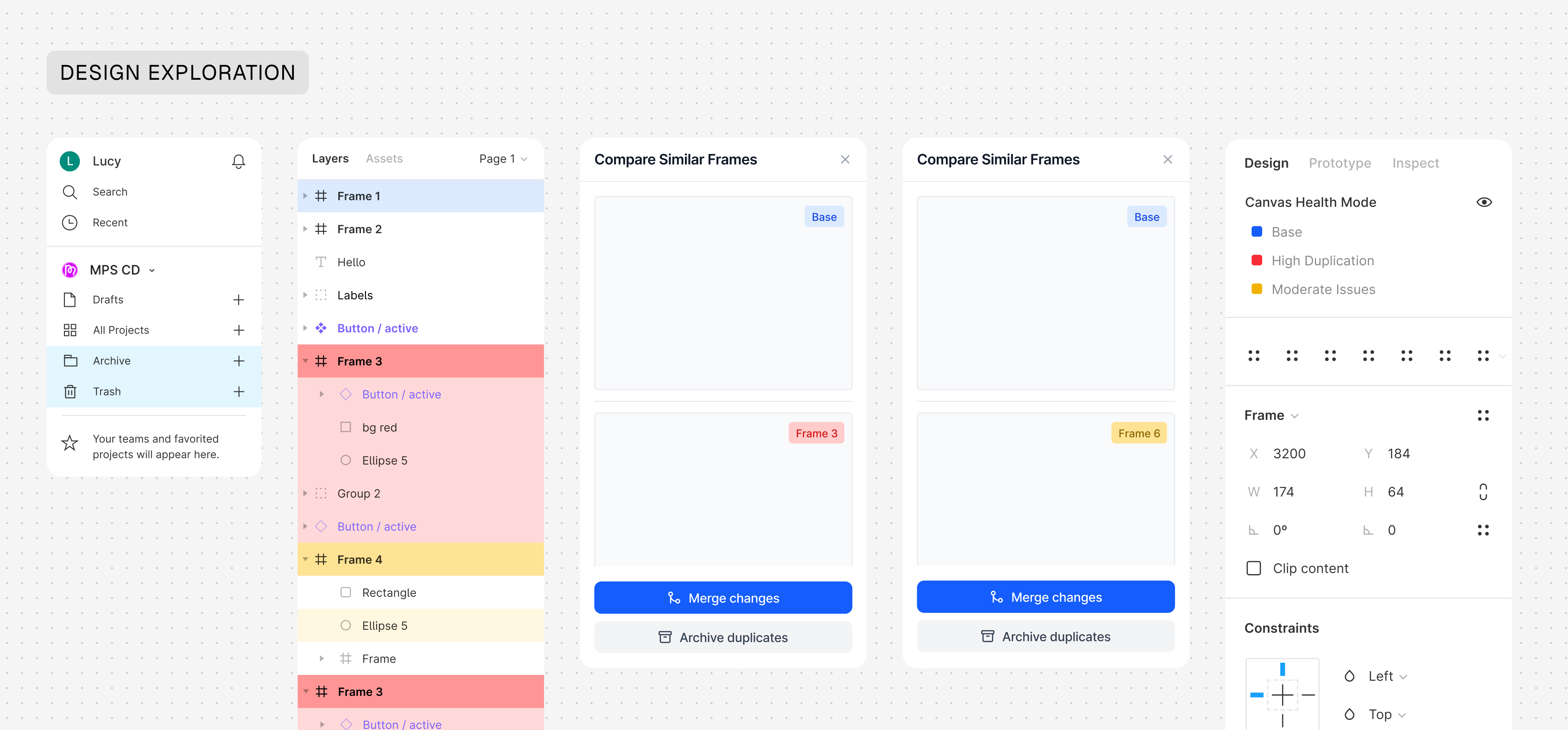
Canvas Health operates as a real-time system loop embedded in the design workflow. When a designer duplicates a frame, the system detects identical or minimally changed structures and immediately surfaces a health signal tied to file growth. This makes the cost of duplication visible at the moment it happens.
If ignored, the system tracks patterns across the file-flagging repeated structures, stale versions (e.g. >90 days), and high-density duplication zones. Once thresholds are met, it escalates with prioritized actions, allowing designers to archive or remove redundant frames in one step.
All actions are reversible, reducing hesitation and enabling continuous cleanup. This shifts file health from a reactive task to an ongoing system-managed loop: duplication → visibility → decision → resolution.
Impact
Aligning user behavior with system performance
A self-audit of my own Figma files found ~30% of frames were duplicates, created during normal exploration with no system feedback to prompt cleanup. Canvas Health removes the need for manual audits by surfacing duplication at the moment it occurs and enabling one-step resolution. At infrastructure scale, fewer redundant frames means lower file size growth and reduced sync load across Figma's 24/7 cloud architecture.
Reflection
Designing systems is one challenge. Making them legible is another.
This project exposed a gap between system design and system clarity. The logic was strong, but the popup interaction made it harder to understand within the core workspace. Post-submission feedback confirmed it: the system needed to feel embedded, not layered on top. I'd redesign it to live within Figma's existing panels, and anchor the experience around one immediately legible moment before expanding the system.
The "default-on" setting is also worth revisiting. It was a deliberate choice to make cleanup passive, but in enterprise contexts with shared libraries and access hierarchies, it introduces friction. A middle ground: default-on for personal files, admin-controlled for teams.
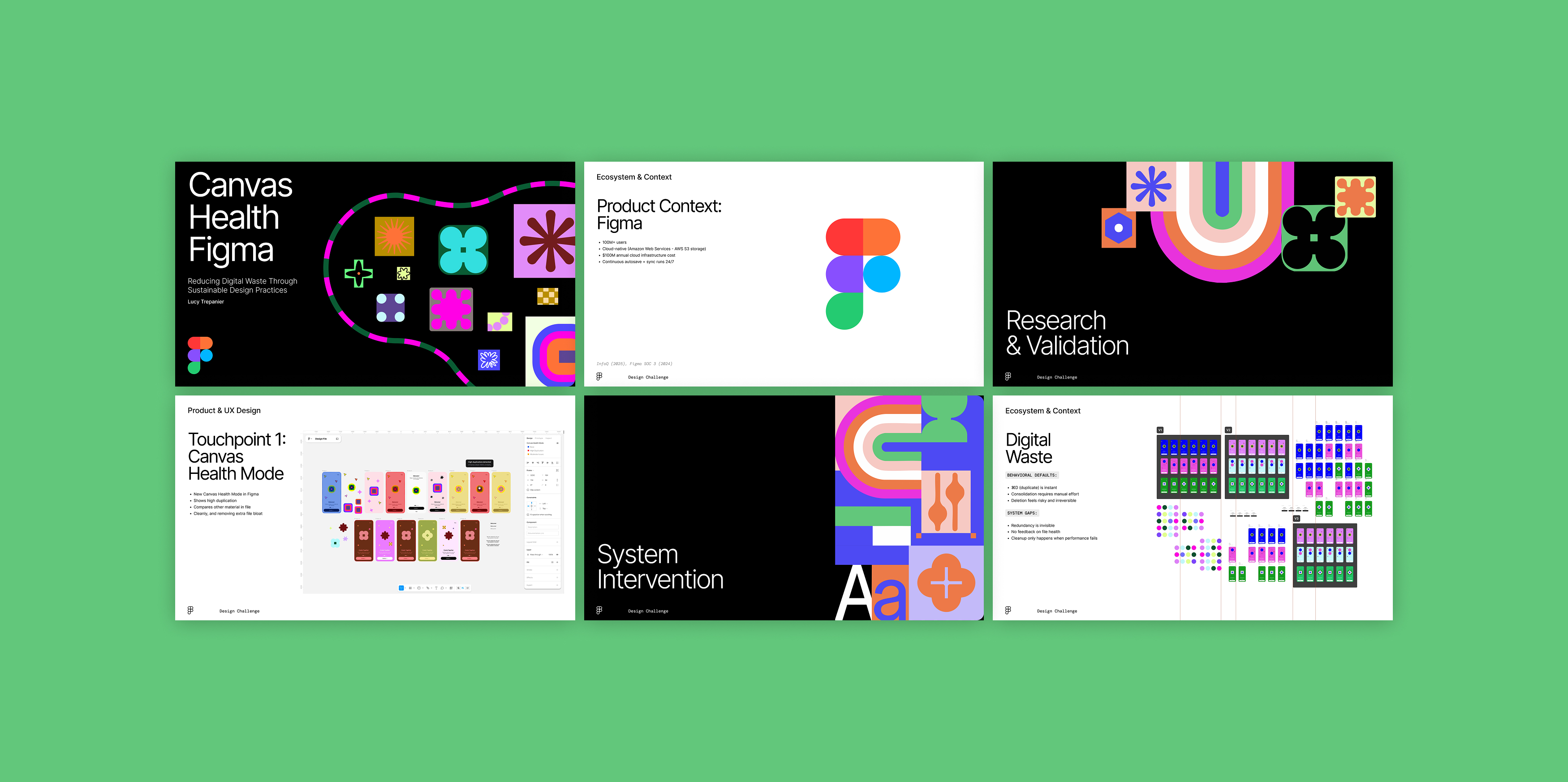
Presentation